
Navigate to EM Buttons → Advanced to access tools and custom code options.
Tools Sub-Tab
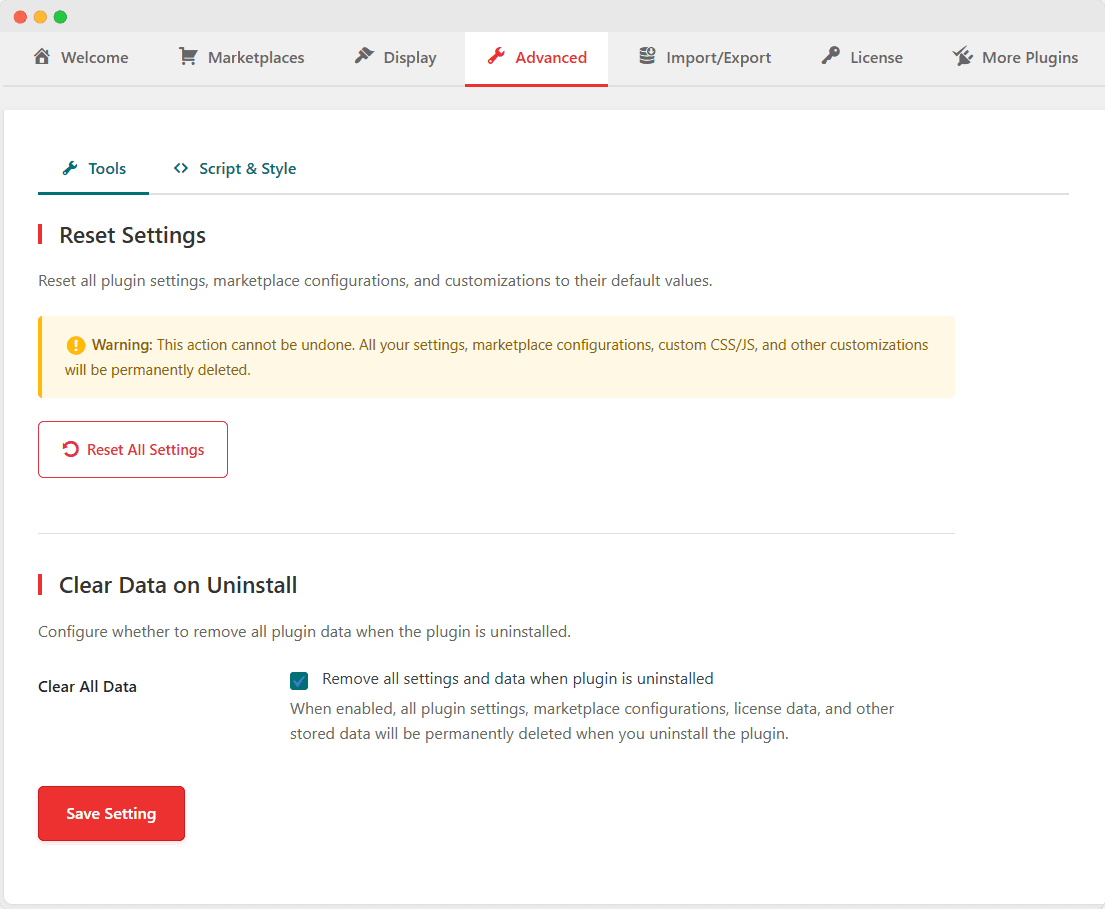
Reset Settings
Resets ALL plugin settings to factory defaults.
What Gets Reset:
- All marketplace configurations
- Display settings
- Custom CSS and JavaScript
- Marketplace order and customizations
How to Reset:
- Click Reset All Settings
- Confirm the warning dialog
- Wait for the process to complete
- Page will reload with default settings
⚠️ Warning: This action cannot be undone. Export your settings first if you want to keep a backup.
Clear Data on Uninstall
Controls whether plugin data is deleted when uninstalling.
| Setting | Behavior |
|---|---|
| Unchecked (Default) | Data is preserved if you reinstall later |
| Checked | All data is permanently deleted on uninstall |
Data that gets cleared:
- Plugin settings
- Marketplace configurations
- License information
- All product marketplace URLs
Script & Style Sub-Tab
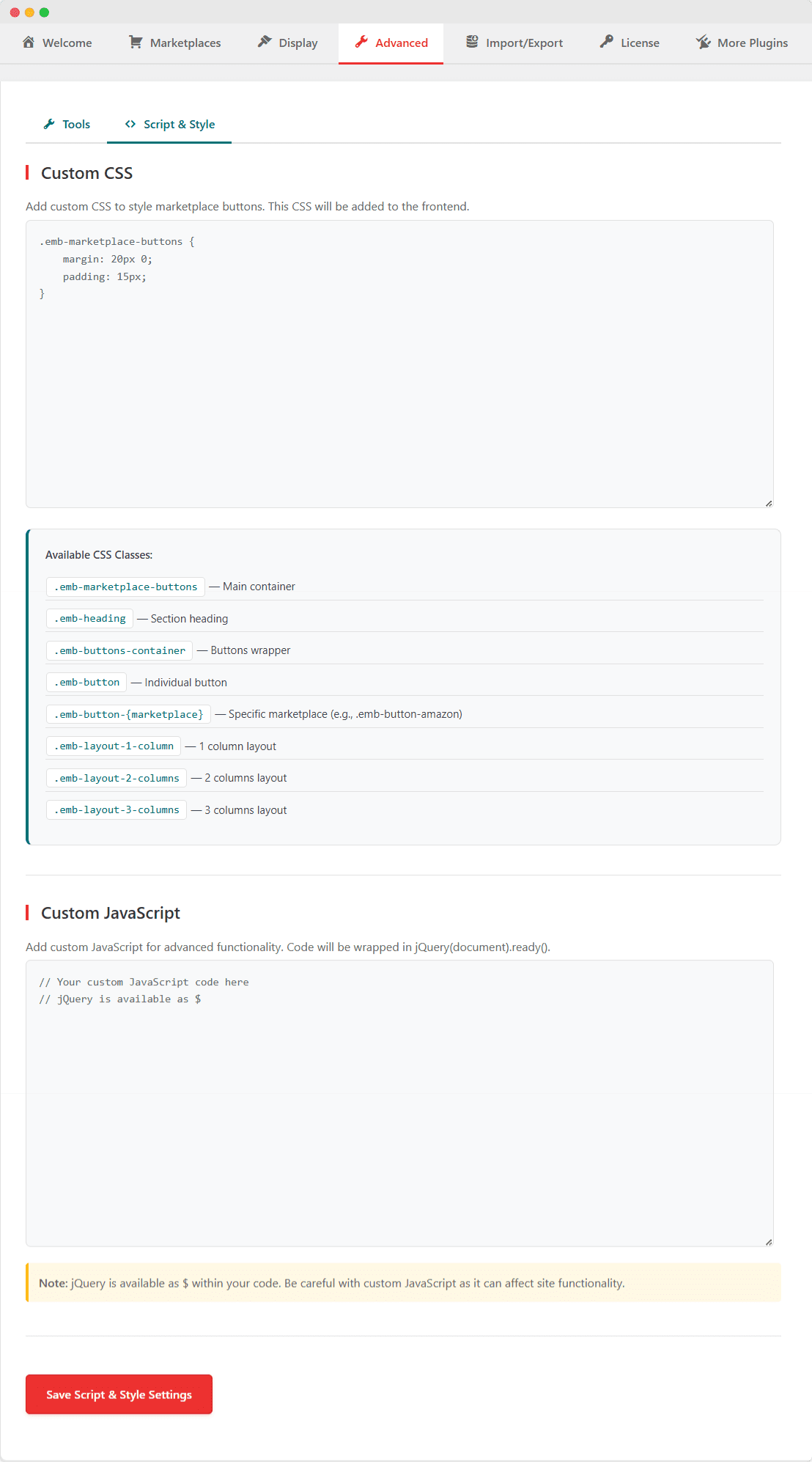
Custom CSS
Add custom CSS to style marketplace buttons.
Available CSS Classes:
.emb-marketplace-buttons    /* Main container */
.emb-heading                /* Section heading */
.emb-buttons-container      /* Buttons wrapper */
.emb-button                 /* Individual button */
.emb-button-{marketplace}   /* Specific marketplace (e.g., .emb-button-amazon) */
.emb-layout-1-column        /* 1 column layout */
.emb-layout-2-columns       /* 2 columns layout */
.emb-layout-3-columns       /* 3 columns layout */
Example – Custom Button Styling:
/* Make buttons rounded */
.emb-button {
    border-radius: 25px !important;
}

/* Add shadow on hover */
.emb-button:hover {
    box-shadow: 0 8px 20px rgba(0,0,0,0.2) !important;
}

/* Custom Amazon button color */
.emb-button-amazon {
    background-color: #232f3e !important;
}
Custom JavaScript
Add custom JavaScript for advanced functionality.
Notes:
- Code runs inside
jQuery(document).ready() - jQuery is available as
$ - Be careful not to break site functionality
Example – Track Button Clicks:
$('.emb-button').on('click', function() {
    var marketplace = $(this).data('marketplace');
    console.log('Clicked: ' + marketplace);
    // Add your tracking code here
});