
External Marketplace Buttons
Send shoppers to your listings on Amazon, eBay, Shopee, Tokopedia and 14 more. Every button can carry your affiliate tag, show that marketplace's price, and report which one earns the click.
1-year license · Updates and support included · 14-day refund policy
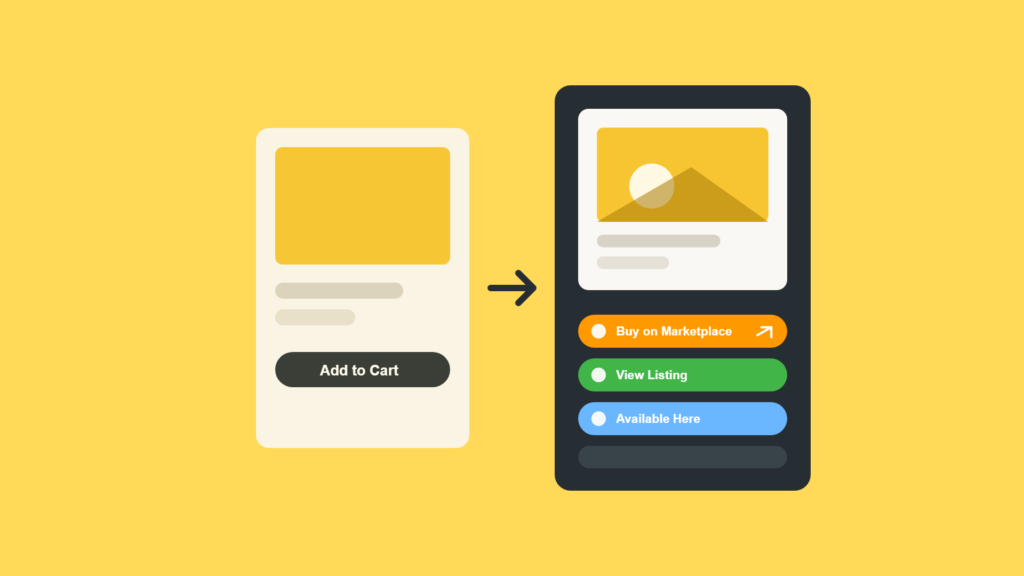
Every marketplace you sell on, on every product page.
External Marketplace Buttons is a WooCommerce plugin that links each product to its listing on Amazon, eBay, Shopee, Tokopedia and 14 other marketplaces. Affiliate tags, per-country links and click reporting are built in.
More than a link to your listing
Six things that turn a row of buttons into a channel you can monetize and measure.
Set your Amazon Associates or eBay Partner ID once and every button carries it. Rules match by domain, so amazon.de can use your German tag while amazon.com uses your US one. Transformed links get sponsored and nofollow attributes.
Test a new label against your current one at a 50/50 split. The report names a winner at 95% confidence using a two-proportion z-test, and one click makes that label permanent.
See totals, trends, top products and the marketplace winning your traffic. Only a daily count per product and marketplace is stored, in your own database. Filters, switchable charts and CSV export are included.
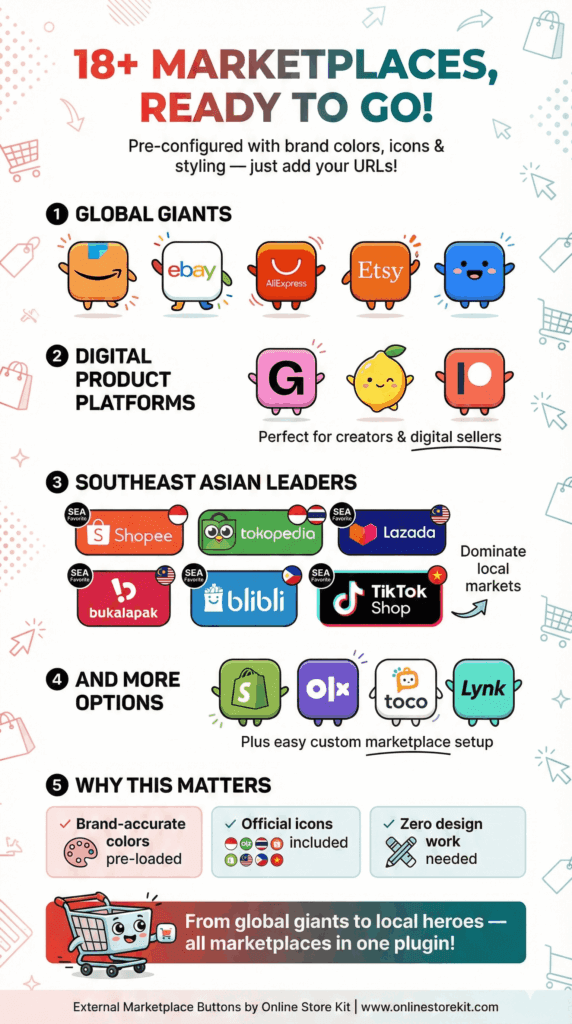
Amazon, eBay, Etsy, Shopify, Shopee, Tokopedia, Lazada, TikTok Shop and ten more, each with brand colors and bundled SVG icons. Add unlimited custom marketplaces with your own name, color and icon.
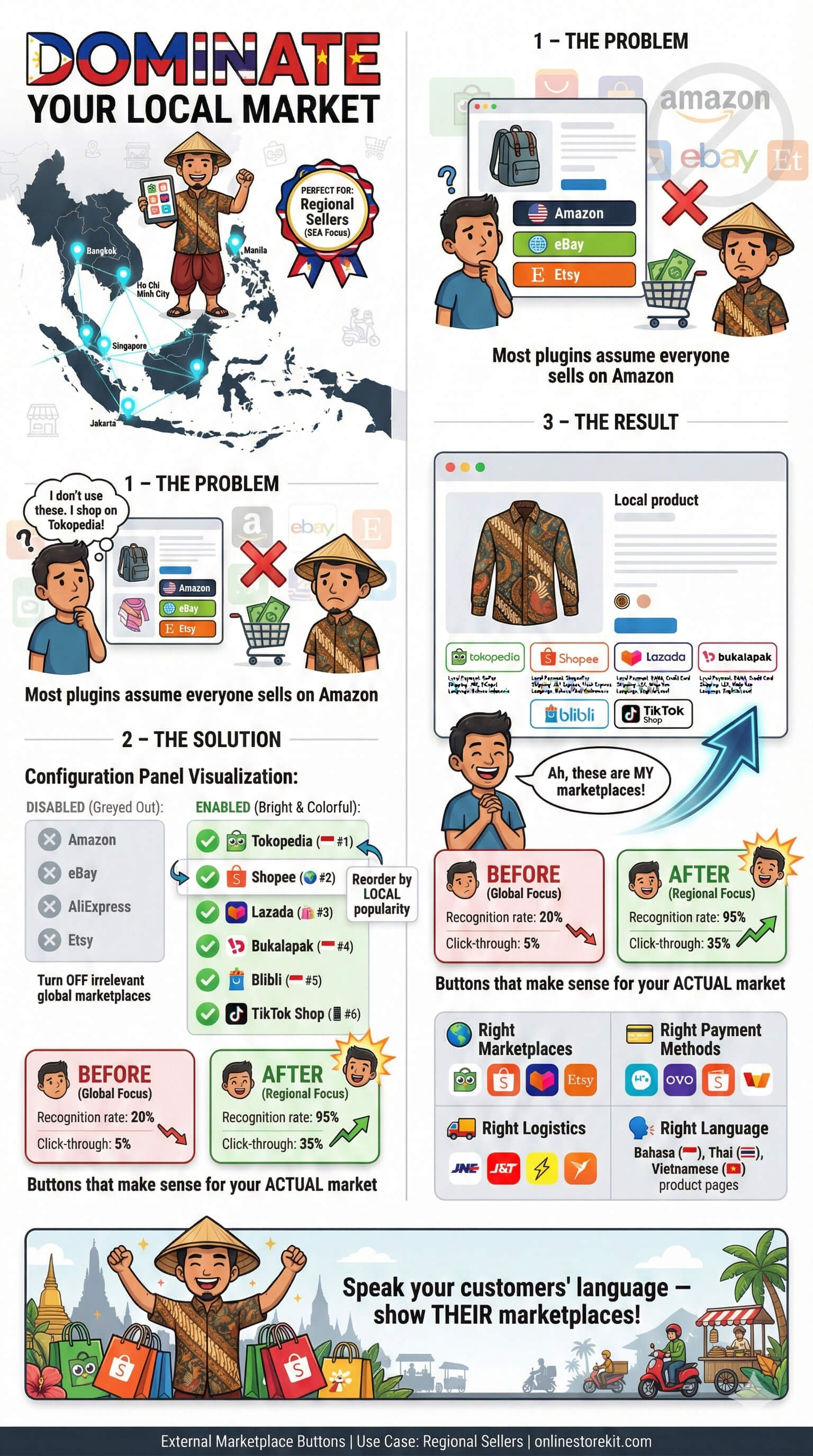
Send German shoppers to amazon.de and everyone else to amazon.com. Individual variations can carry their own links, so each size or color points at the listing that matches it.
Show what each marketplace charges, or one summary line covering the range. Prices are free text per product and per marketplace, so any currency and any format works.
Buttons where they convert
Put them where shoppers already look, or hold them back until the moment they matter.
On the product page
In shop and category grids
Only when it matters
One store, one license
One payment covers a year of updates, support, and buttons running on your store. Run more than one store and the five-site or unlimited plan covers them all on a single license.
One site, five sites or unlimited · Renews yearly
1-year license · Updates and support included · 14-day refund policy · Five-site and unlimited plans
Send WooCommerce shoppers to your Amazon, eBay and Shopee listings. Automatic affiliate tags, per-marketplace prices, and click analytics included.
What External Marketplace Buttons does
External Marketplace Buttons is a WooCommerce plugin that adds branded buttons to your product pages linking to the same item on Amazon, eBay, Shopee, Tokopedia and 14 other marketplaces.
One settings screen handles the links, your affiliate tags, per-country storefronts, marketplace prices, and the click data that tells you which channel is actually working.
It runs on your own store.
There is no external service, no account to create, and no per-click fee.
Why send shoppers to a marketplace at all?
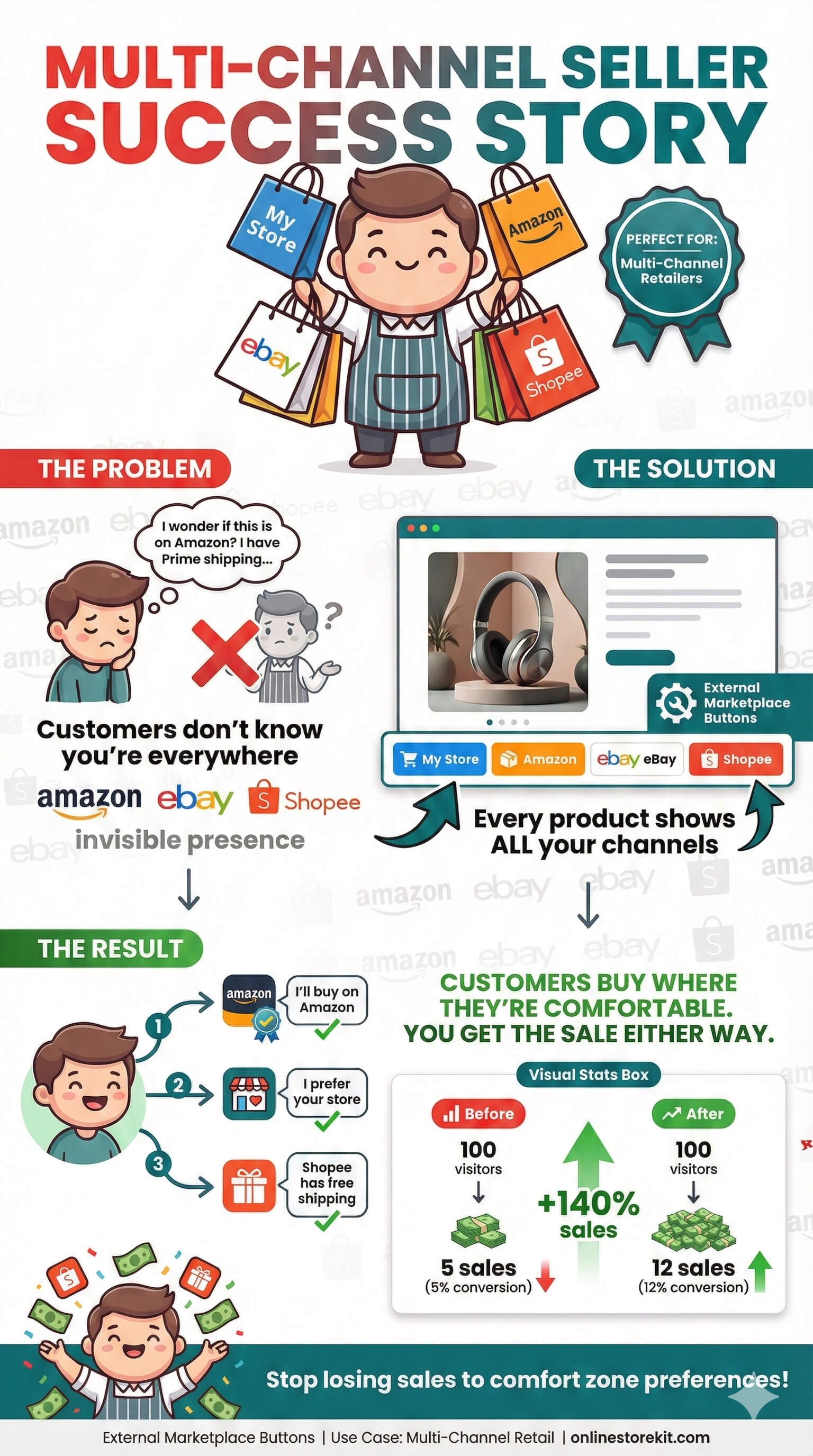
Because a shopper who will not buy from you directly will still buy from you somewhere.
Four situations come up constantly for multi-channel sellers:
- Trust and logistics. Some buyers only complete a purchase where Prime shipping, buyer protection, or an established review count already exists.
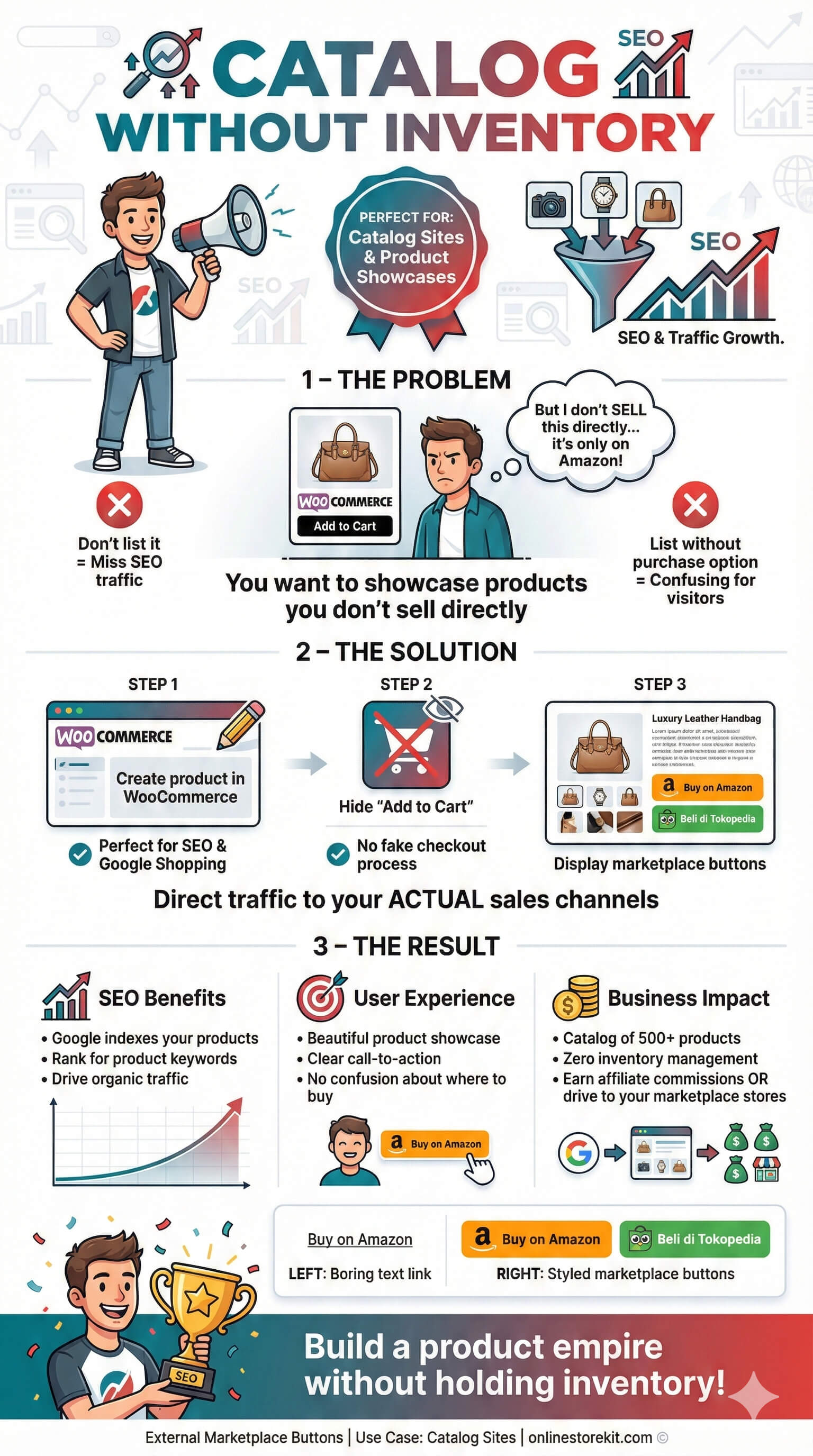
- Marketplace-only stock. Products you list on Shopee or Tokopedia but do not fulfil from your own store still deserve a place on your website.
- Affiliate revenue. If you promote products you do not stock, the button itself is the product, so it should carry your tag.
- Out-of-stock rescue. When your own inventory runs out, a marketplace button recovers a sale that would otherwise be a bounce.
The plugin covers all four without you touching a template file.
How does the affiliate tagging work?
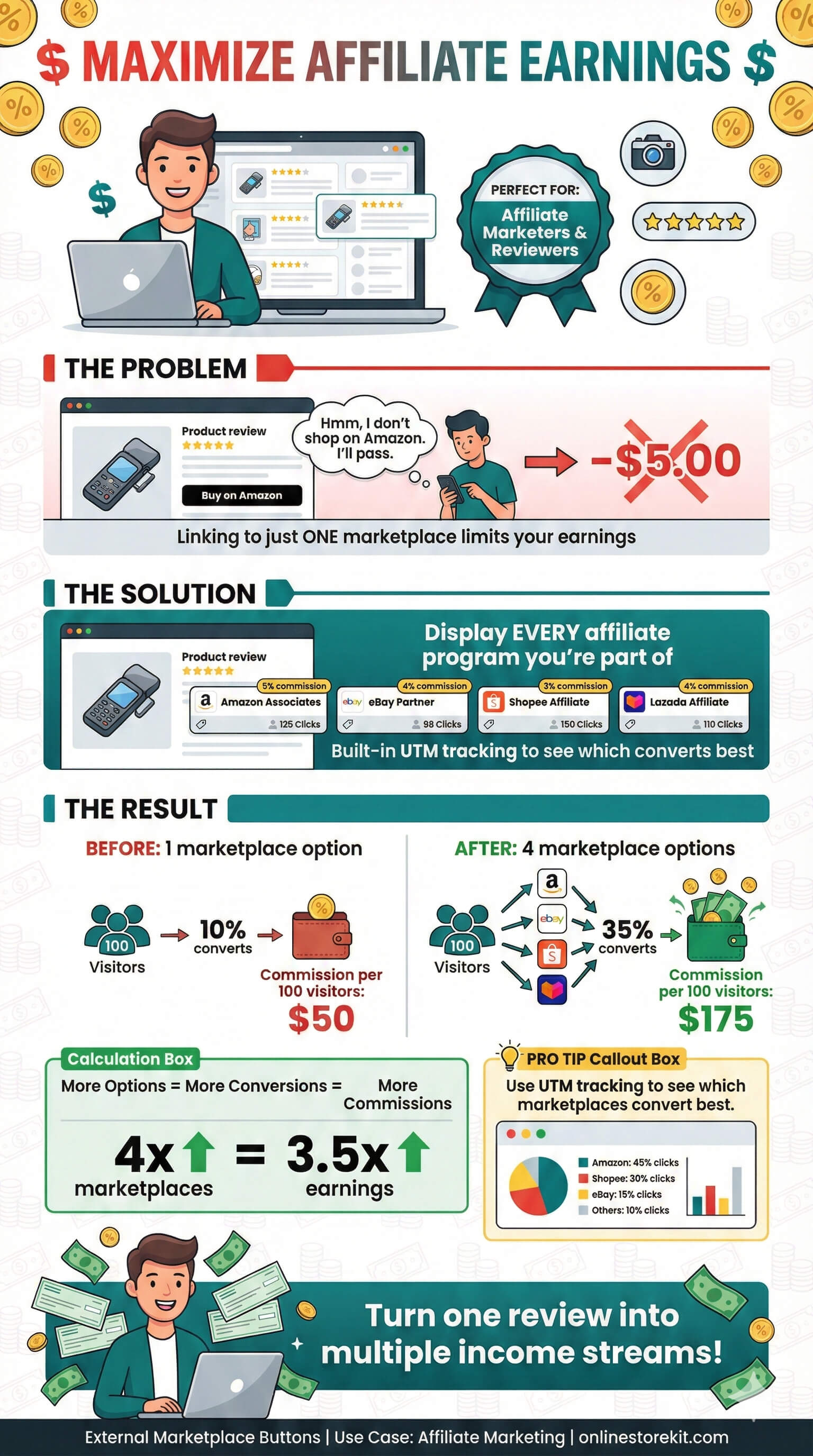
It is a template engine, not a per-network integration, so it keeps working when affiliate programs change their URL formats.
Each marketplace gets a transform in one of two modes:
- Append adds parameters to your product URL, the pattern Amazon Associates and eBay Partner Network use, e.g. your Associates tag on every Amazon link.
- Wrap rewrites the whole link into a network deep link, with your destination URL encoded into a
{url}placeholder. This is the pattern Awin and Involve Asia use.
Transform rules match on domain suffix, and the longest match wins.
That is what lets one Amazon marketplace carry a different Associates tag per storefront: amazon.de gets your German tag, amazon.co.uk gets your UK tag, and everything else falls back to a default rule.
Because geo-aware links resolve before the affiliate transform runs, a German visitor sent to amazon.de automatically receives the German tag.
Every transformed link is given sponsored and nofollow attributes automatically, which is what search engines require of affiliate links, and an optional disclosure line renders beneath the buttons for FTC compliance.
One-click presets are included for Amazon Associates, eBay Partner Network, Awin, and Involve Asia.
You paste your ID; the template is already filled in.
How does A/B testing decide which label wins?
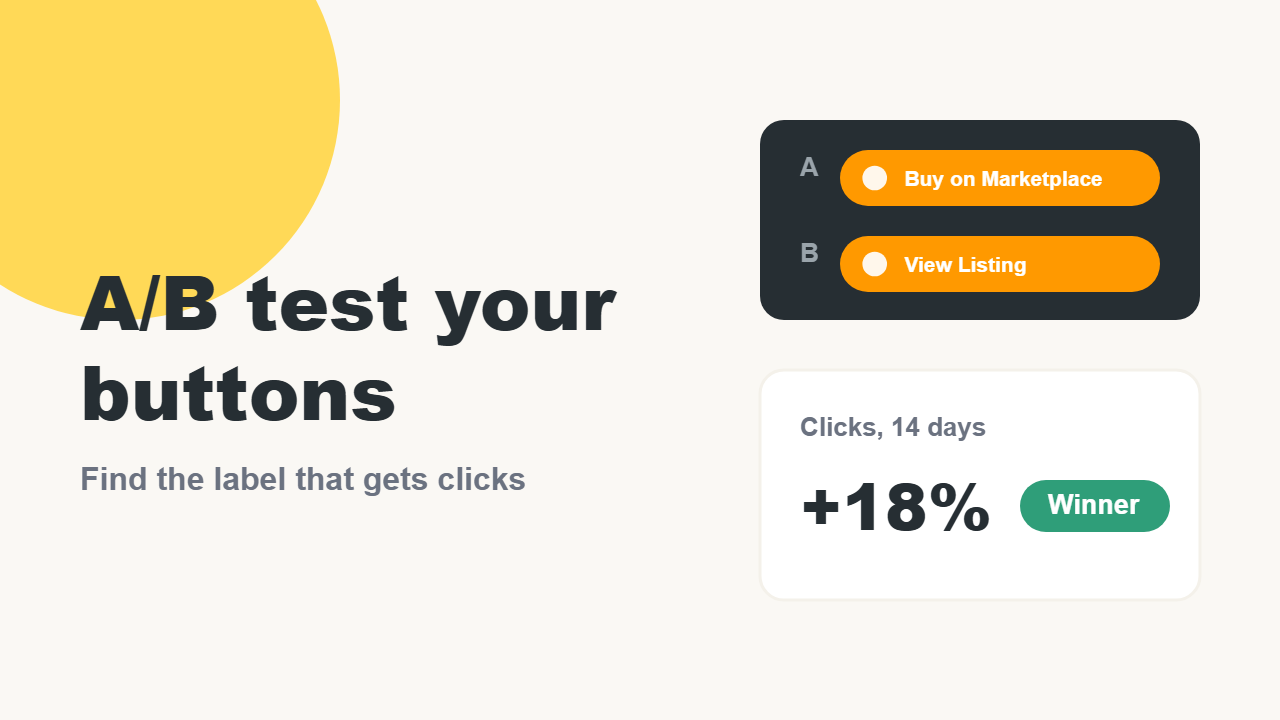
With a two-proportion z-test at 95% confidence, not a guess about which number looks bigger.
You supply one alternative label, say “Buy on Amazon” against “Get it on Amazon, Free Shipping”, and visitors are split 50/50.
Assignment happens in the browser and is stored in a single cookie holding one letter, so a full-page cache can serve identical HTML to everyone and the split still works.
The report shows views, clicks, and click rate per variant, and withholds a verdict until each side has at least 100 views and the test has 10 clicks in total, which is enough to stop you acting on noise.
When a winner is called, one click makes that label permanent, and the finished test is archived with its numbers.
What data does the plugin store about visitors?
Only a daily count per product and per marketplace, saved in your own database.
There are no IP addresses, no visitor profiles, no fingerprinting, and nothing is transmitted to a third party.
Click tracking is off until you switch it on.
When you do, you choose who counts: everyone, everyone except administrators and shop managers, or guests only.
A separate opt-in forwards a emb_marketplace_click event to Google Analytics 4 if you already run gtag.js.
All marketplace icons ship inside the plugin as SVG files, so rendering a product page makes no third-party request at all.
Who is External Marketplace Buttons for?
| Seller | What they use it for |
|---|---|
| Multi-channel retailer | Same catalogue on Woo, Amazon and eBay, so buttons plus reports show which channel each product converts on |
| Affiliate marketer | Products they do not stock, monetized with automatic tags and compliant disclosure |
| Regional seller | One storefront for many countries, with geo-aware links to Shopee, Tokopedia, Lazada or the right Amazon domain |
| Out-of-stock recovery | Buttons that appear only when a product is unavailable, under a custom heading |
Specifications
| Marketplaces included | 18, plus unlimited custom marketplaces |
| Built-in platforms | Amazon, eBay, AliExpress, Etsy, Shopify, Gumroad, Lemon Squeezy, Patreon, Facebook, Shopee, Tokopedia, Bukalapak, Lazada, Blibli, TikTok Shop, OLX, Toco, Lynk |
| Placement | Before or after Add to Cart, after the product summary, shop and category grids, shortcode, Gutenberg block, Elementor widget |
| Product types | Simple, variable and grouped, with per-variation marketplace links |
| Analytics | Daily aggregate counts, switchable charts, date/marketplace/product filters, CSV export and import |
| Requires | WordPress 6.5+, WooCommerce 9.6+, PHP 7.4+ |
| Compatibility | High-Performance Order Storage (HPOS), translation-ready |
| Current version | 1.1.0 |
How long does setup take?
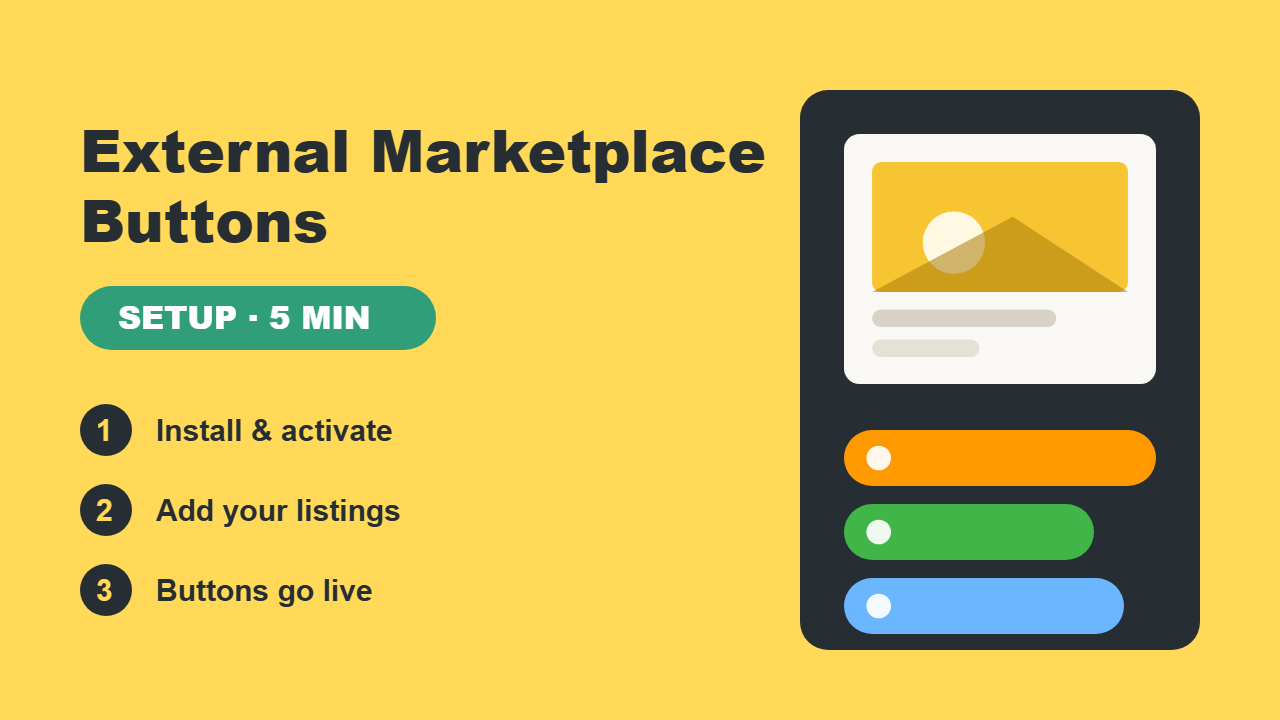
Five minutes for the first product, and under a minute for each one after that.
- Install and activate the plugin, then activate your license key.
- Open EM Buttons → Marketplaces and enable the platforms you sell on. Colors, labels and icons are already configured.
- Optional: paste your affiliate ID into a marketplace’s affiliate template, or load a preset.
- Edit a product and paste your marketplace URLs into the Marketplace URLs box. Add a price per marketplace if you want prices shown.
- Optional: switch on click tracking from the Reports tab once everything looks right.
Full instructions are in the documentation.
How will you do it without External Marketplace Buttons
| Hand-coded links | External Marketplace Buttons | |
|---|---|---|
| Adding a marketplace | Edit a template file | Toggle in settings |
| Affiliate tags | Pasted into every URL by hand | Applied automatically, per country |
| Link attributes | Easy to forget sponsored |
Added to every affiliate link |
| Broken listings | Found when a customer complains | Flagged weekly by the link checker |
| Knowing what works | No data | Click reports and A/B tested labels |
| Variations | One link for every variant | A link per variation, swapped live |
Ready to try it?
External Marketplace Buttons is a one-site license including a year of updates and support, with a 14-day refund policy — and an unlimited, lifetime option if you run more than one store.
Get the plugin or read the documentation first.
Also check the External Marketplace Buttons’s changelog.
Before you buy
The things sellers ask us most.
Yes. Buttons render on simple, variable and grouped products. Each variation can carry its own marketplace links, and the buttons swap as the shopper picks options.
No. Affiliate tagging is optional. Without it, buttons link straight to your listings. With it, every link carries your tag automatically.
No. The plugin adds one stylesheet and one script, and every marketplace icon is an SVG file bundled inside the plugin, so a product page makes no third-party request.
No. Only a daily count per product and per marketplace is saved, in your own database. No IP addresses, no visitor profiles, and nothing is sent to a third party.
Amazon, eBay, AliExpress, Etsy, Shopify, Gumroad, Lemon Squeezy, Patreon, Facebook, Shopee, Tokopedia, Bukalapak, Lazada, Blibli, TikTok Shop, OLX, Toco and Lynk. You can also add unlimited custom marketplaces.
Licenses come in three sizes: one site, five sites, or unlimited sites. Each runs for a year, and you can move a license between sites from the plugin's License tab.
Every license runs for a year. After it ends there is a grace period, 7 days on the one-site and five-site plans and 30 days on unlimited. Once that passes the marketplace buttons stop rendering until you renew. Your settings and saved URLs are kept.
Yes. If the plugin does not work for your use case, contact us within 14 days for a full refund.
WordPress 6.5 or newer, WooCommerce 9.6 or newer, and PHP 7.4 or newer. It is compatible with High-Performance Order Storage.
Something else on your mind? Open a support request