
PixMapr
Draw clickable hotspots on any image. Open info panels, link to pages, or tag WooCommerce products and sell straight from the picture.
Annual license · 1 year of updates & support · 14-day refund policy
The picture is now the page.
PixMapr is a WordPress plugin that turns any image into clickable hotspots. Visitors open info panels, follow links, or add WooCommerce products to their cart without leaving the picture. You draw the shapes; PixMapr does the rest.
Turn any WordPress image into clickable hotspots with PixMapr. Info panels, links, shoppable WooCommerce product tags. Draw shapes, pick a layout, publish.
Hotspots on any image, six layouts, 20+ themes, pan and zoom, and WooCommerce product cards. Every PixMapr license includes a year of updates and support.
How PixMapr fits your workflow
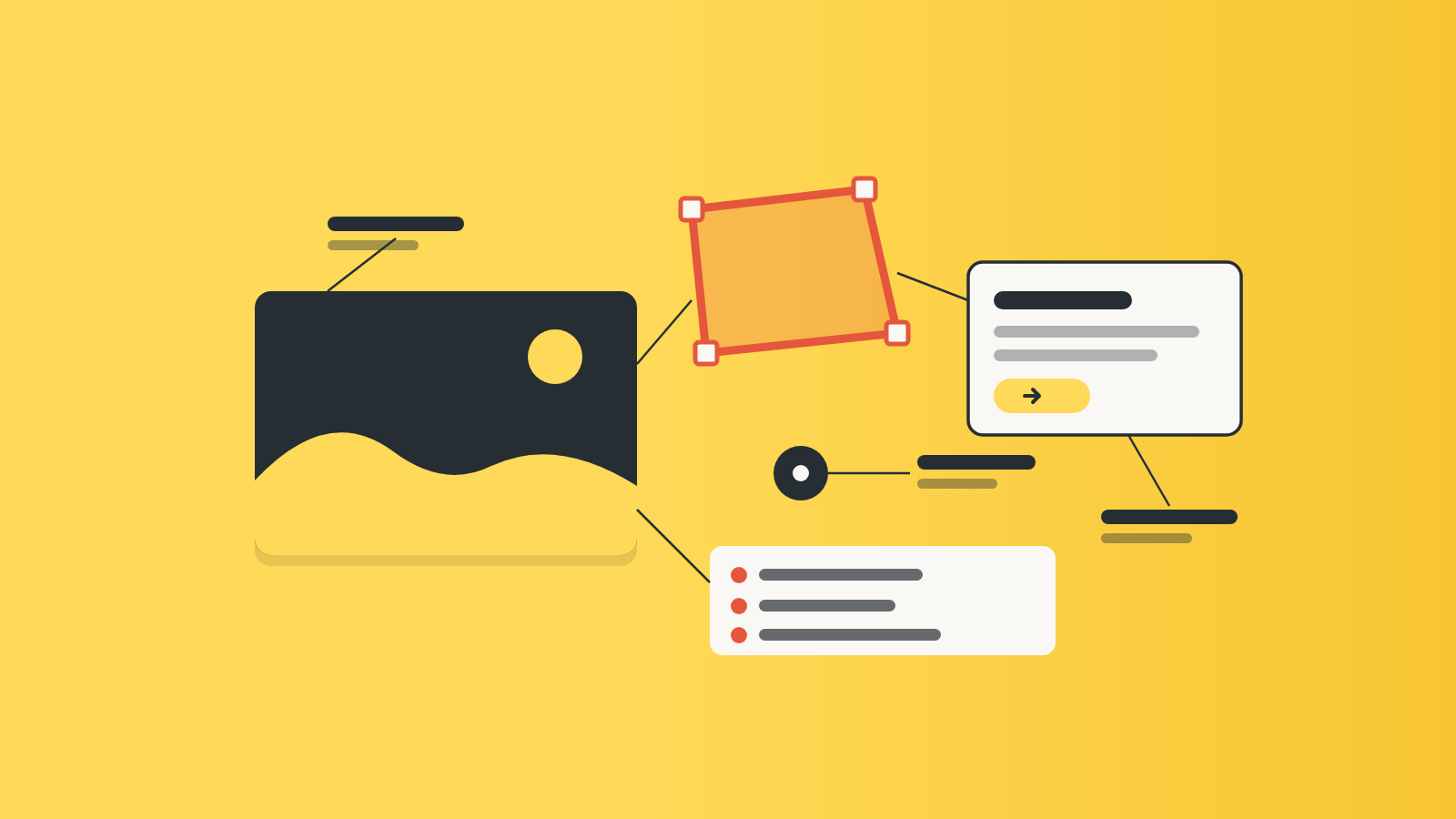
Everything is drawn in the WordPress admin.
You add an interactive image once, under PixMapr → Add New, and embed it anywhere: the block editor, Elementor, Beaver Builder, or a shortcode.
Each placement can override the saved settings, so the same floorplan can open a lightbox on one page and a side panel on another without touching the original.
Display options travel with the image, not the page.
Change a theme or reword a hotspot and every placement updates; the shortcode reference lists what can vary per page.
What an online store can do with PixMapr
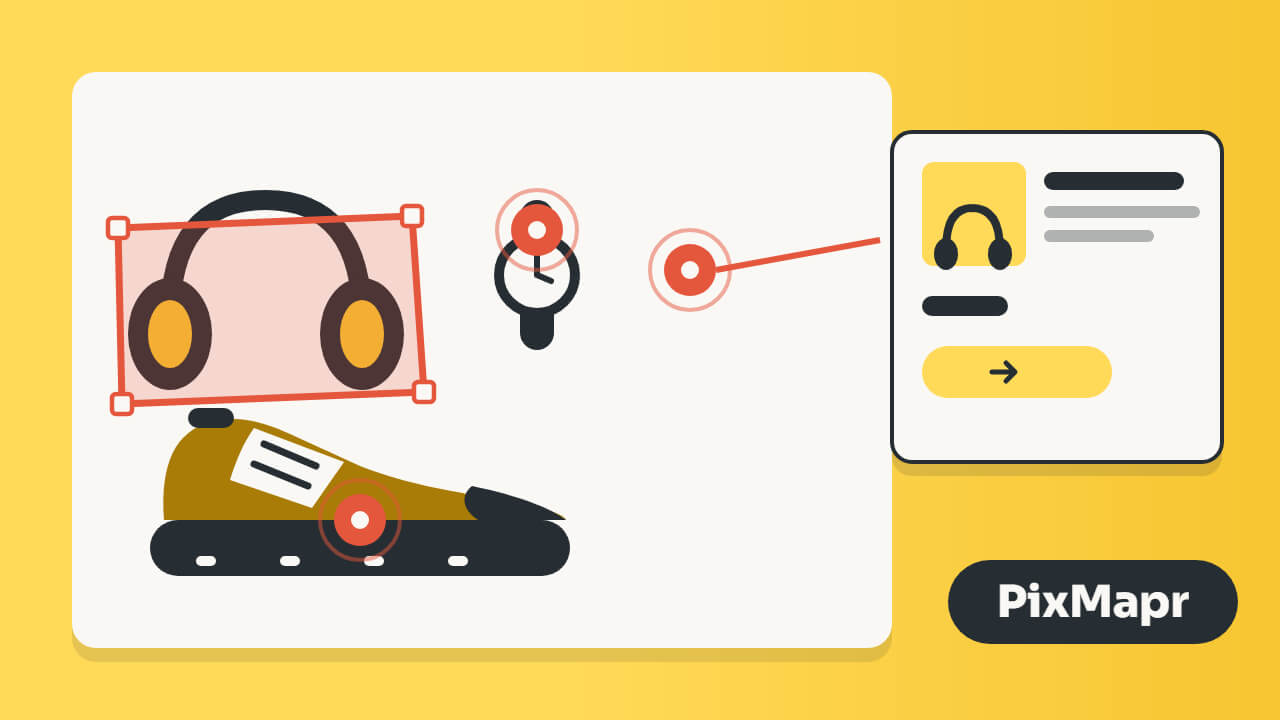
The shoppable layer is where PixMapr earns its keep on a WooCommerce site.
Tag products on a lifestyle photo and the picture does the selling: a pulsing tag marks each item, a card shows the price and stock, and add to cart works without leaving the page.
The legend can become a shop-this-image strip beneath the picture, so the products are scannable even for visitors who never click a hotspot.
Engagement counts close the loop.
Turn them on and each image reports which hotspots get opened, stored as bare counts with no personal data, so a lookbook can be rearranged around what shoppers actually touch.
What PixMapr is not
PixMapr is not a slider, not a gallery, and not a geographic mapping tool.
If you need street maps with geocoded markers or a store locator, a dedicated map plugin is the better buy.
PixMapr is for pictures you own: product photos, lookbooks, floorplans, diagrams, menus, and team pages.
There is no free edition.
Every license includes the whole plugin; tiers differ only in how many sites they activate.
Where to go next with PixMapr
The documentation covers everything from installation to the JavaScript API, and support answers what the docs do not.
Both are included with every license for a year.
Everything an image needs
Six features that turn a static image into something visitors use.
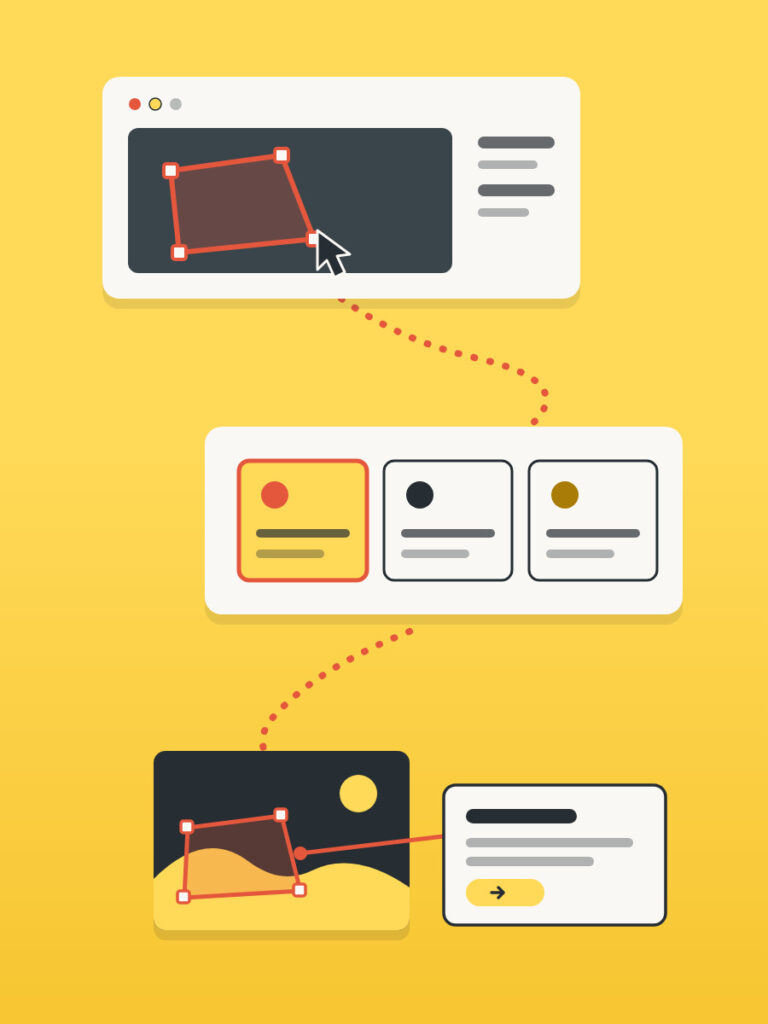
Polygon, circle, and rectangle tools trace the exact area you mean, straight on the image. Reorder, restyle, or duplicate hotspots without redrawing them.
Show hotspot content left, right, top, bottom, in a lightbox, or as a tooltip. Open on click or hover, with full keyboard and screen reader support.
Tag WooCommerce products and each hotspot shows a card with photo, price, rating, and an add-to-cart button that works without a page reload.
Large maps and floorplans stay readable. Visitors zoom with Ctrl+scroll, pan freely, and go fullscreen, with separate layouts for desktop and phone.
Pick a built-in color theme, edit it, or build your own. Apply it per image, per hotspot style, or per placement.
Optional engagement counts show which hotspots visitors actually open. Only counts are stored, no personal data, so it needs no cookie banner.
Six ways stores use PixMapr
The same plugin behind lookbooks, floorplans, and product showcases.
Shoppable lookbooks
Maps and floorplans
Feature callouts
Every editor
Measure and improve
Built for personal use and agencies
Three sizes, one full plugin
Every tier gets every feature. Pick by how many sites you run: 1, 5, or 25. A year of signed automatic updates and email support is included.
Renews yearly. Cancel anytime from your account.
Instant download · License key emailed right away · 14-day refund policy
Before you buy
Short answers to the questions we get most.
No. PixMapr works on any WordPress site. When WooCommerce is active, hotspots can also be tagged with products and sell from the image.
PixMapr ships a Gutenberg block, an Elementor widget, a Beaver Builder module, and a shortcode that works in Divi, the Classic Editor, and any builder that renders shortcodes.
That depends on the license tier: 1, 5, or 25 sites. Every tier gets the full feature set, updates, and support for a year.
PixMapr controls page weight with three Performance settings: serve a smaller image size than the original, lazy load images near the viewport, and cache rendered output. Hotspots stay aligned at any served size.
Yes. Layouts adapt to small screens, a tappable hotspot list can replace hard-to-hit shapes, and fullscreen works on iPhone through a full-viewport overlay.
Published images keep displaying to visitors. The admin locks to the license screen until the license is active again, and updates and support stop.
Yes. Export interactive images, themes, and settings as one JSON file, then import it on the other site. An option downloads the source site's images so hotspots line up immediately.
No personal data. Engagement counts are off by default, and when enabled they store only counts against the image itself: impressions and hotspot opens. No cookie banner is needed.
Yes. Hotspots work with keyboard navigation and carry ARIA labels, and information panels announce changes to screen readers.
Something else on your mind? Open a support request