
WP MyLinks
Build your link-in-bio page on your own WordPress site. One short URL holds every link you share, on your domain, with your branding and your data. No subscription, no account, no third-party profile.
100% free · No account required · 1,000+ active installs
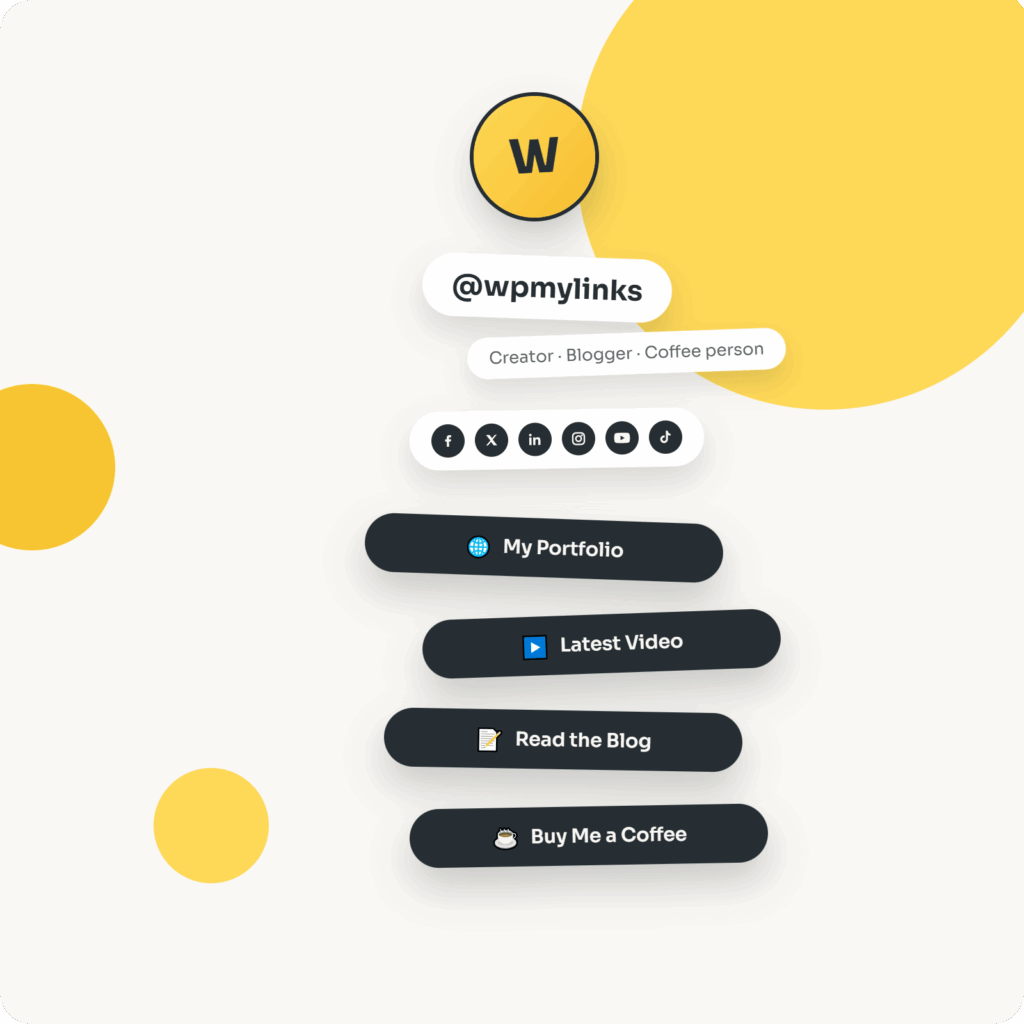
Every link you share, on a page you actually own.
WP MyLinks is a self-hosted alternative to Linktree and Beacons. It builds your link-in-bio page inside your own WordPress site, at a URL like yoursite.com/me, with unlimited pages, 16 built-in themes and no monthly fee. A hosted service rents you a profile on its domain and can change its pricing or rules at any time. This keeps the page, the traffic and the data on infrastructure you already run.
A complete bio-link builder
Everything the hosted free tiers do, running on your own WordPress install.
Create as many MyLink pages as you need, one per brand, campaign or team member, each with its own avatar, bio, social icons and stack of links. Nothing is capped and nothing is metered.
Pick a look per page or set one globally: light, dark, pastel and gradient themes. Four accent color controls (page background, button background, button text and text) layer on top of any theme, per page or site-wide.
A link renders as a plain button, a thumbnail button or a full image card. YouTube videos load on click so the page stays fast, and anything WordPress oEmbed supports, such as TikTok, Spotify and X posts, embeds as a link row.
Each page can output Schema.org Person or Organization JSON-LD, an optional ProfilePage wrapper, Open Graph and Twitter Card tags, and its own meta title, description and robots settings. When Yoast SEO is active and handling schema or Open Graph, WP MyLinks steps aside and lets Yoast own it.
Every link click is counted by a small ping to your own site, with no cookies, no IP logging and no external analytics service. Bots are filtered out, and per-page totals appear in a Clicks column on the MyLinks admin list.
Each published MyLink page gets a scannable QR code in the editor, generated in your browser by a bundled open-source library, with a one-click PNG download for business cards, packaging and print.
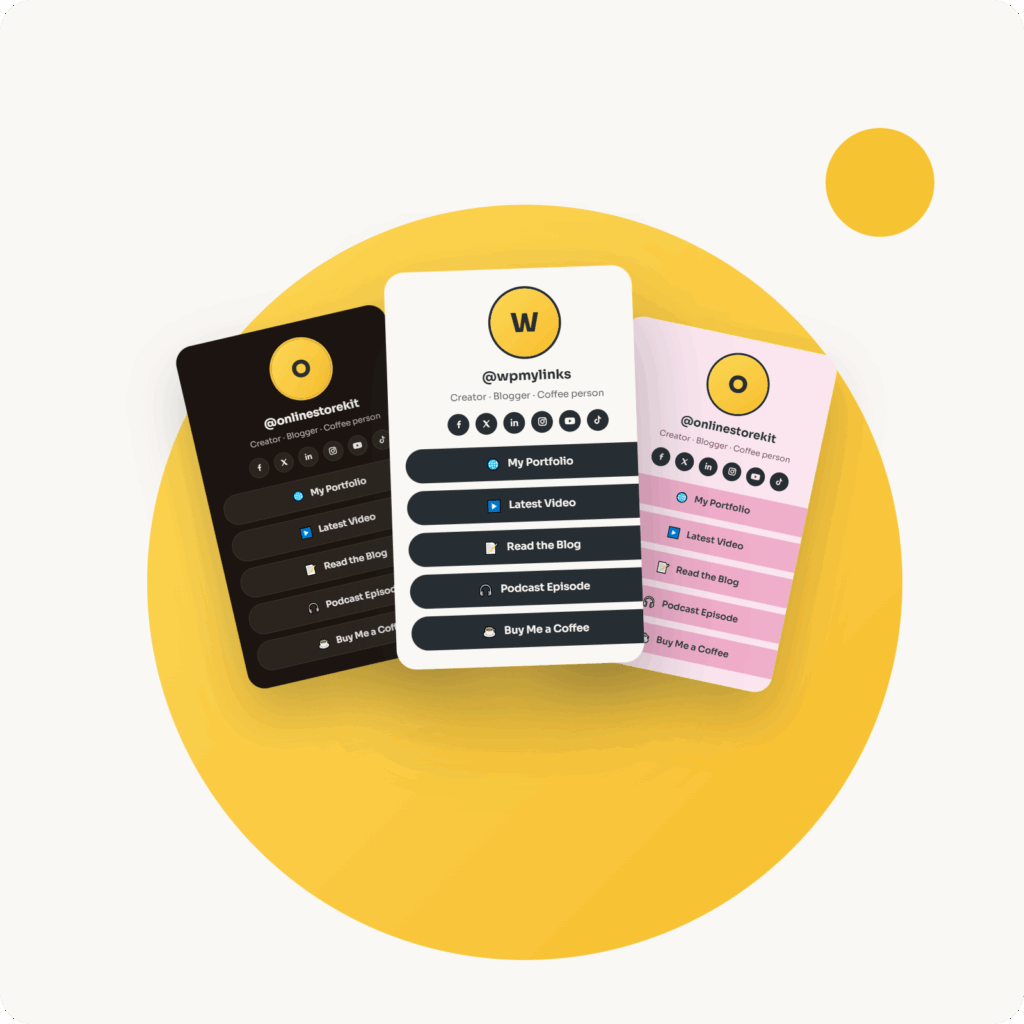
One URL for every bio
Publish once, then paste the same short link everywhere your audience already looks.
The details that add up
Link clicks and page visits are counted on your own server, bot-filtered and cache-safe, and shown in the admin list. No external analytics account is needed to see what a page is doing.
Export your settings, all MyLink pages (filtered by status, Collections included) or a single page as JSON, then import them on any other site. Page imports always create new pages, so an import never overwrites what is already there.
Save frequently used links in a private, reusable library and pick them from a searchable dropdown on any page. Editing a Collection link updates every page that uses it.
Every published page carries a downloadable QR code, generated locally in the browser, ready for cards, posters and packaging.
Data stays in place by default when you remove the plugin. A single opt-in setting wipes every plugin option if you want a clean removal instead.
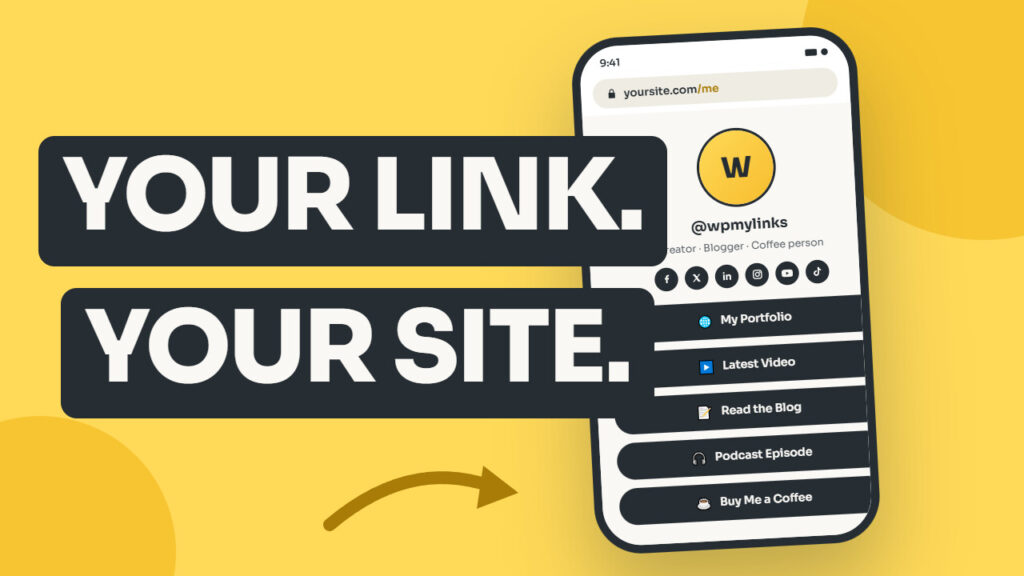
In your social bios
On your own website
In the real world
Up and running in about ten minutes
The step-by-step documentation covers installing the plugin, publishing a first MyLink page, and pointing every bio at the new URL.
Built for owners, not renters
Free, with no locked tier
The plugin is GPL and free on WordPress.org. Every feature listed here works out of the box, with no paywall around the core and no account to create.
Your data stays yours
Pages, click counts and visitor totals live in your own WordPress database, not on a platform that can change its pricing, gate a feature or shut down.
Built to extend
Documented action and filter hooks let a developer add sections, reshape the schema output or change the URL structure. The public API is listed in the plugin's API.md.
Actively maintained
WP MyLinks runs on over 1,000 active installs, is tested up to the current WordPress release, and ships a public changelog with real version dates.
Own your bio link today
Install WP MyLinks from WordPress.org and publish a first page in minutes. Free, unlimited, on your own domain.
From install to published page
A walk through installing WP MyLinks, building a first page, and setting it as the link in every bio.
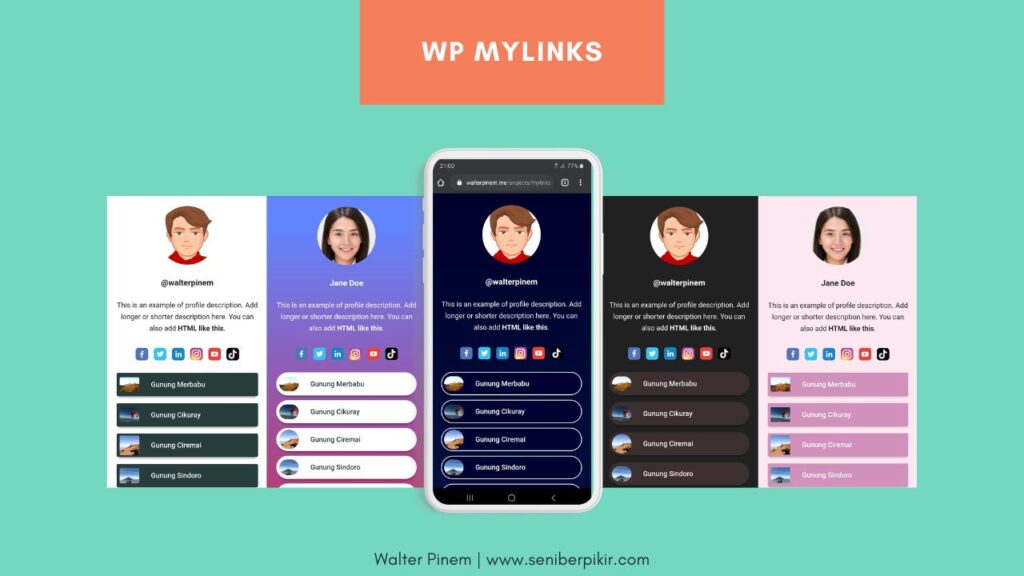 Watch the tutorial video
Build unlimited link-in-bio pages on your own WordPress domain, with 16 themes, built-in SEO, click tracking and QR codes. Free, GPL, no account needed.
What is WP MyLinks?
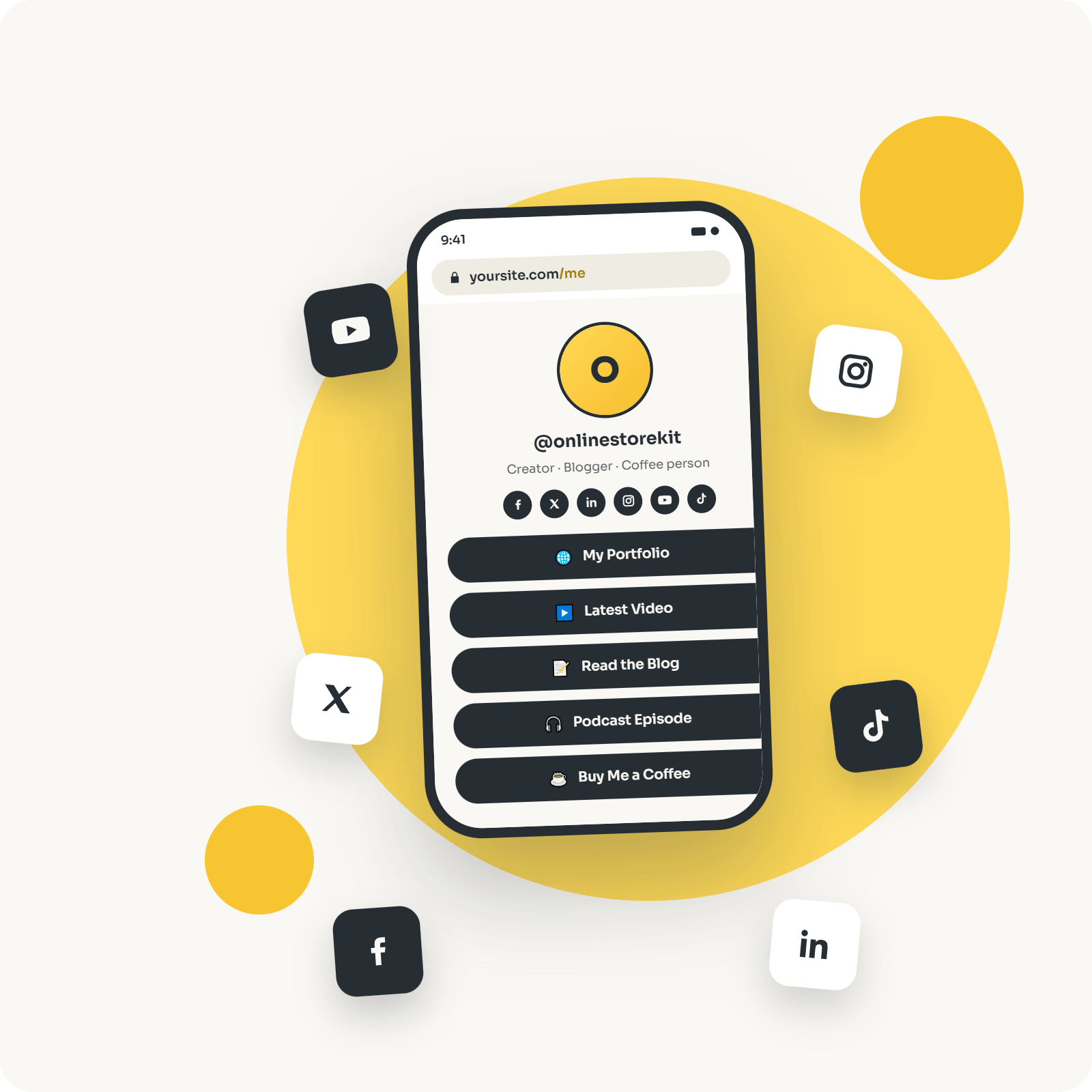
WP MyLinks is a free, open-source WordPress plugin that builds self-hosted link-in-bio pages, the single-URL landing pages creators paste into their Instagram, TikTok, and YouTube bios.
Instead of renting a page on a hosted domain like linktr.ee/yourname, WP MyLinks publishes the page on your own site at an address such as yoursite.com/me, with your branding, your analytics, and no subscription.
The plugin has been on WordPress.org since 2020 and runs on more than 1,000 active sites as of August 2026.
Every feature is free under the GPL: unlimited pages, unlimited links, 16 themes, icons for eight built-in social platforms plus unlimited custom ones, click-to-load YouTube and oEmbed embeds, section headings, HTML blocks, a search bar, private click tracking, a QR code for every page, and built-in Schema.org and Open Graph output.
A MyLink page renders as its own standalone document, so it looks the same no matter which theme the rest of your site runs.
New here?
The getting-started guide walks through your first page.
What is a self-hosted link-in-bio page?
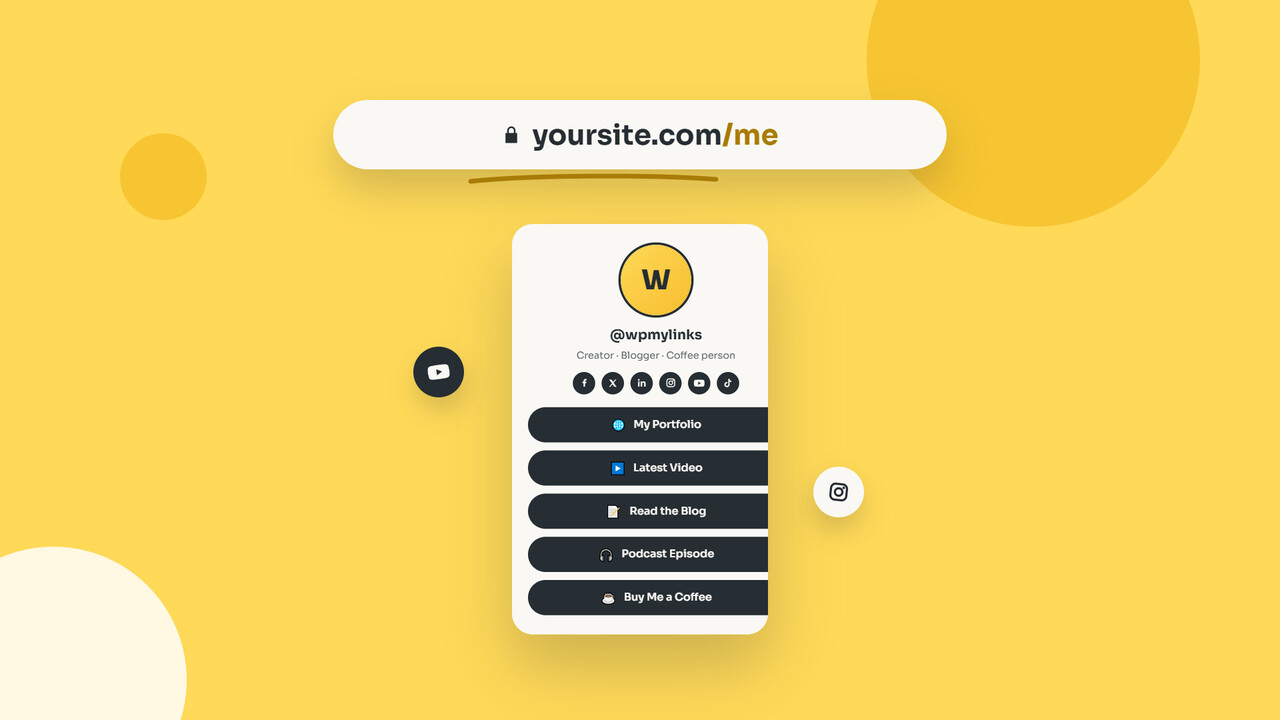
A self-hosted link-in-bio page is a bio-link landing page you publish on your own domain and store in your own database, rather than on a hosted service’s domain.
The address, the visitor data, and the search value all stay with your site.
A hosted service such as Linktree or Beacons gives you a page on its domain, keeps the analytics on its servers, and can change its pricing or rules at any time.
The difference matters because a bio link is often the single most-clicked URL a creator owns.
When that URL lives on someone else’s platform, every click, and the audience behind it, is traffic you hand over.
WP MyLinks keeps it on infrastructure you already run.
Why put your link in bio on your own site?
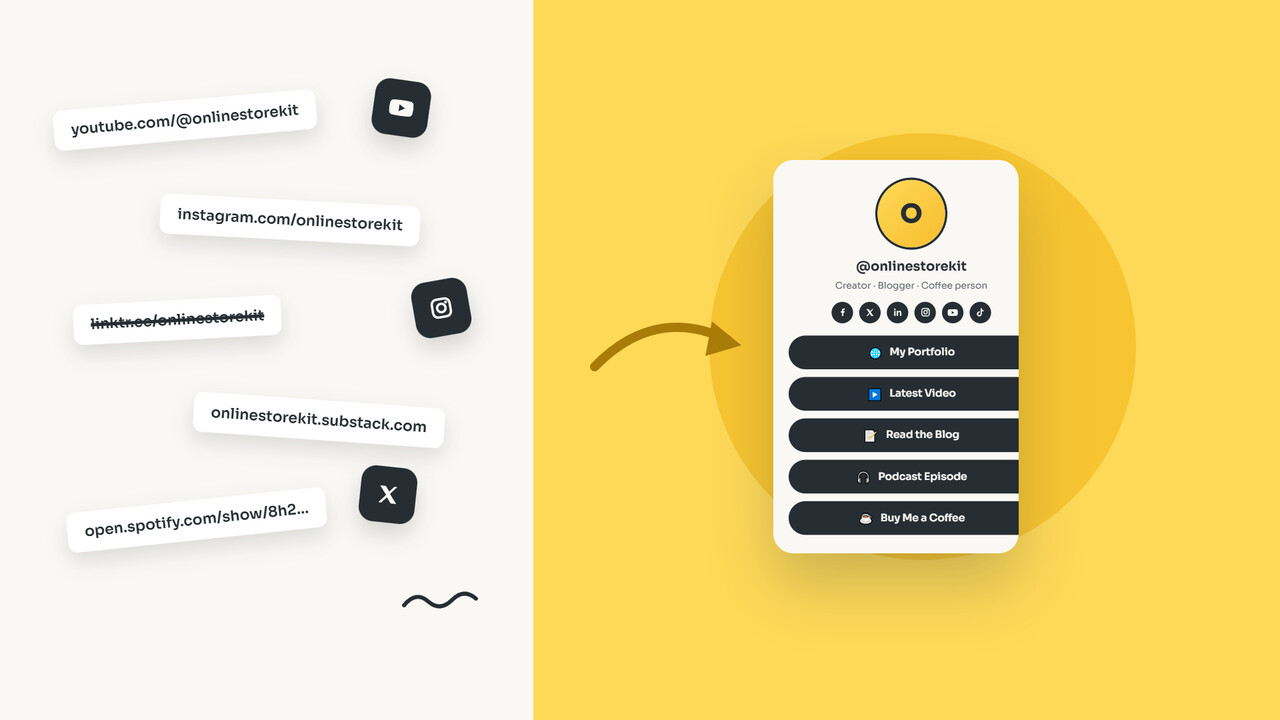
Because the bio link is usually your most-shared URL, and on a hosted service its address, its analytics, and its search value belong to the platform, not to you.
Self-hosting changes three things.
You own the address
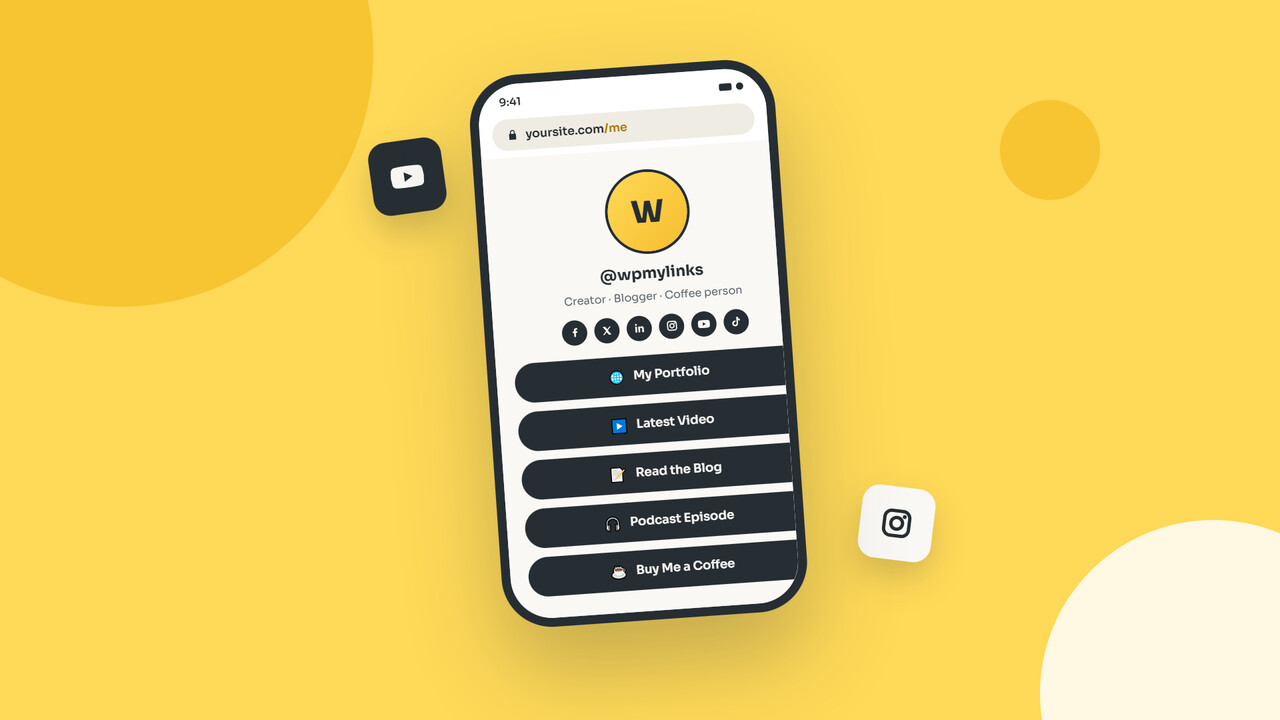
yoursite.com/me is yours for as long as your domain is.
If a hosted bio-link service raises prices, gets acquired, or shuts down, the URL on your business cards and in every bio breaks with it.
A page on your own domain does not, so you reprint no cards and edit no bios when a platform changes.
Search engines credit your domain
Links to and from a self-hosted bio page build authority for your site, not a platform’s.
WP MyLinks backs this with structured data: Schema.org Person or Organization JSON-LD with your social profiles as sameAs entries, an optional ProfilePage wrapper, and Open Graph plus Twitter Card tags so every share renders a proper preview.
The SEO options cover the detail.
Your visitor data stays yours
Page views and link clicks are counted in your own WordPress database, with no cookies, no IP logging, and no third-party analytics service in the middle.
You can still attach Google Analytics, a Meta pixel, or Google Tag Manager to the page if you want them, on your terms, which keeps privacy and consent conversations simpler.
WP MyLinks vs Linktree and Beacons: what is the difference?
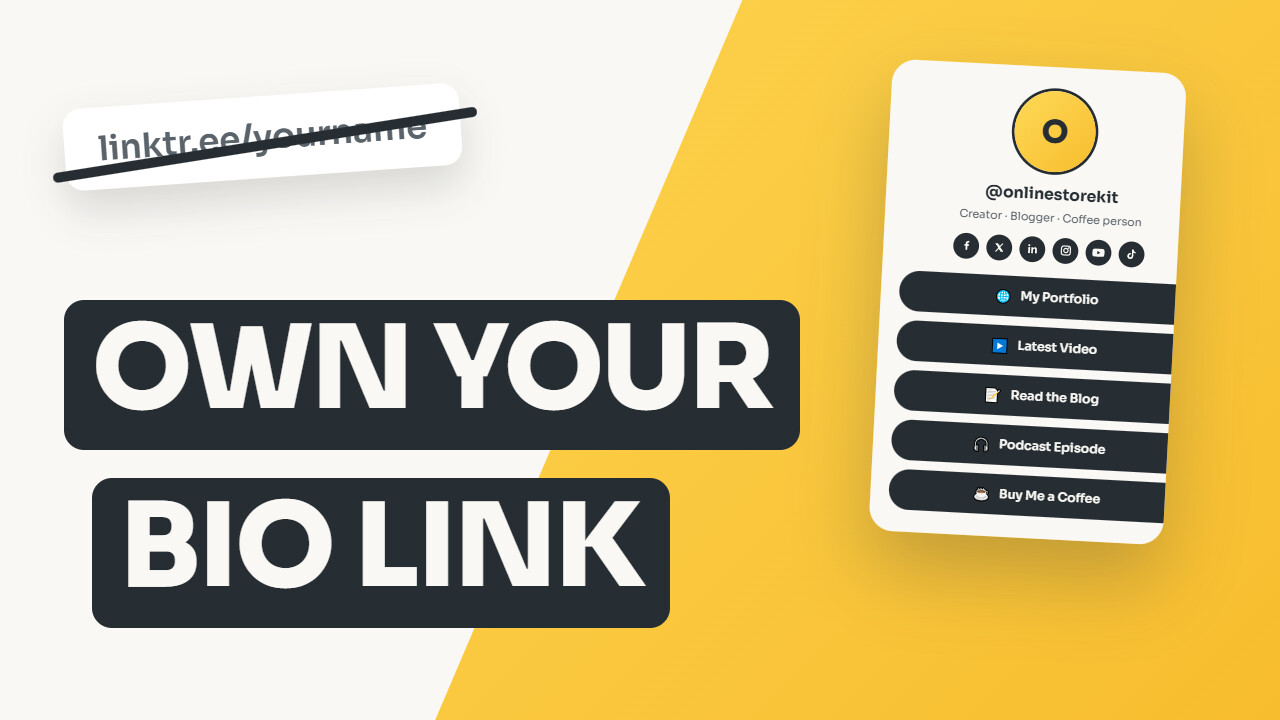
WP MyLinks runs on your own WordPress site and is free with every feature, while Linktree and Beacons are hosted services that own the page address and gate options behind paid plans.
The table sets the three side by side.
| WP MyLinks | Linktree | Beacons | |
|---|---|---|---|
| Where the page lives | Your own domain | linktr.ee subpage | beacons.ai subpage |
| Where data is stored | Your WordPress database | Linktree’s servers | Beacons’ servers |
| Cost for full features | Free, GPL | Free tier plus paid plans | Free tier plus paid plans |
| Pages you can publish | Unlimited | Depends on plan | Depends on plan |
| Themes | 16, plus custom CSS | Vary by plan | Vary by plan |
| Platform branding | Optional credit only | Shown on the free tier | Shown on the free tier |
| Built-in structured data | Schema.org and Open Graph, on your domain | Authority accrues to linktr.ee | Authority accrues to beacons.ai |
| Requirement | A WordPress site | None | None |
The honest trade-off: Linktree and Beacons work without a website, and if you do not run one, they are the simpler choice.
WP MyLinks is for the creators, businesses, and publishers who already run WordPress.
It is not the right tool if you want a hosted, no-code service with no site of your own, or a full checkout on the bio page itself.
A hosted platform or a WooCommerce store fits those cases better.
How do you create a link-in-bio page in WordPress?
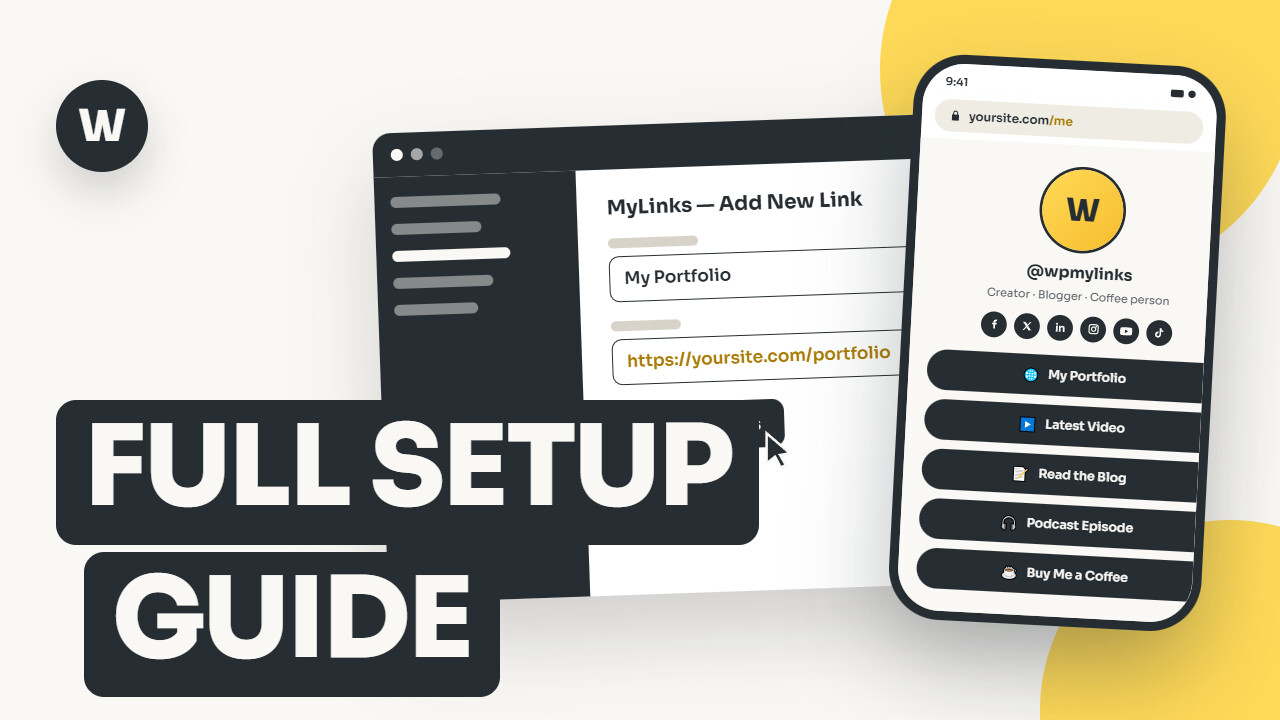
Install WP MyLinks, add a MyLink page, fill in your profile and links, pick a theme, and publish.
The whole process takes about ten minutes and needs no page builder and no shortcodes.
- Install the plugin. In your WordPress admin, open Plugins, Add New, search for WP MyLinks, then install and activate it. The installation guide covers manual upload too.
- Create a MyLink page. A new MyLinks menu appears. Add a page, upload an avatar, write a short bio, and enter your social profile URLs.
- Add your links. Each row can be a plain button, a button with a thumbnail, a full image card, a section heading, an HTML block, or a click-to-load embed. Drag rows to reorder them.
- Pick a theme and publish. Choose one of the 16 themes or set a global default, publish, and your page is live at
yoursite.com/your-slug, ready to paste into every bio.
You can also set a MyLink page as your site’s home page under Settings, Reading, so the bare domain becomes your bio link.
See using a page as your front page.
What can you put on a MyLink page?
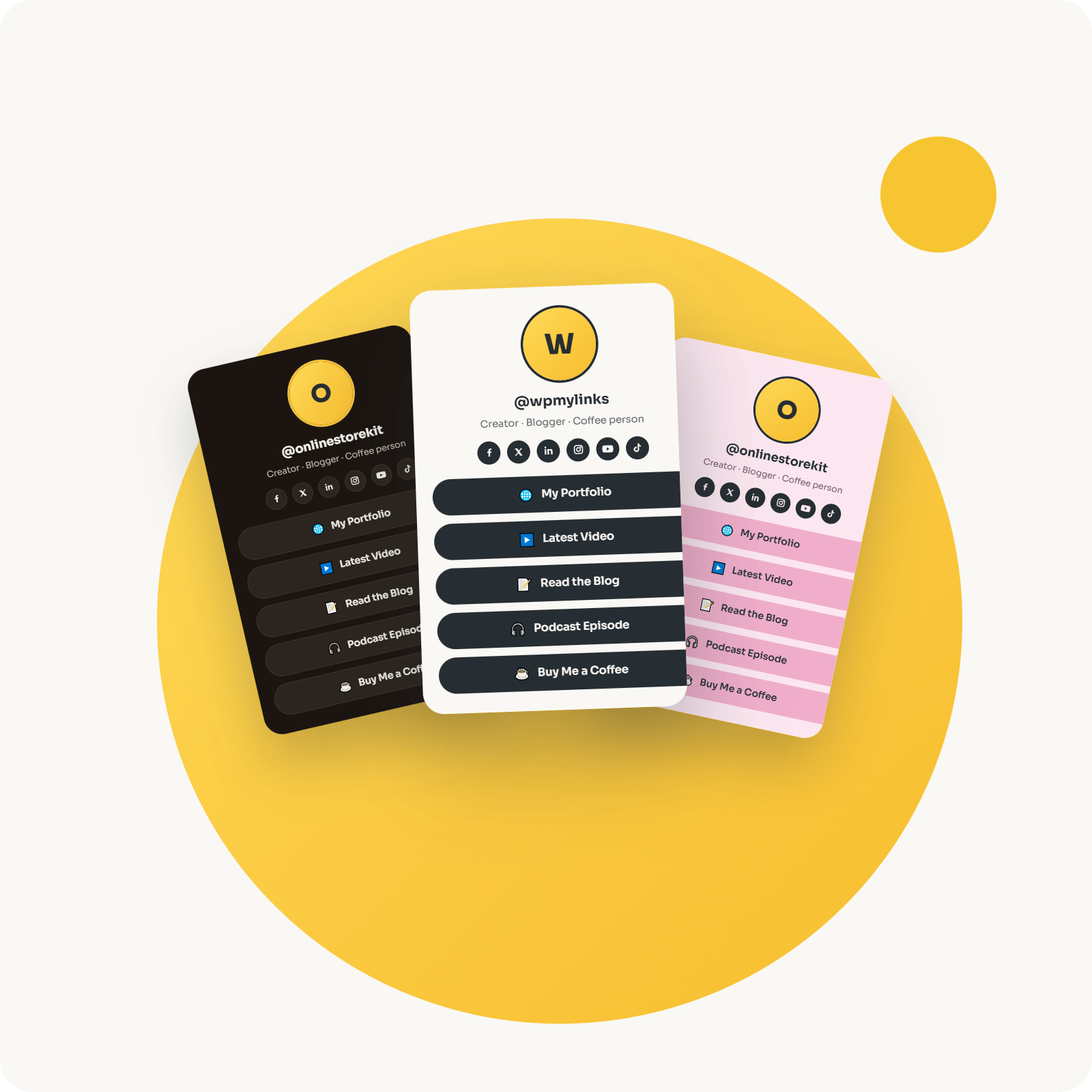
A MyLink page holds an unlimited stack of rows, and each row can be a link button, an image card, a section heading, an HTML block, or an embedded video or post.
You mix them in any order and drag them into place.
- Buttons and cards. A link renders as a plain button, a thumbnail button, or a full image card with the title over the image. See building your link list.
- Section headings and a search bar. Group links under section headings, and switch on a search box so visitors filter a long list as they type.
- HTML blocks. Place a newsletter form, a pricing table, or any markup into the link order with an HTML block.
- Embeds. Add a click-to-load YouTube video, or embed a TikTok, Spotify, or X post through oEmbed. The video loads only on click, so the page stays fast.
- Reusable Link Collections. Save links you use often in a Link Collection and pick them from a search that covers your whole site. Editing a Collection link updates every page that uses it.
How do you match a MyLink page to your brand?
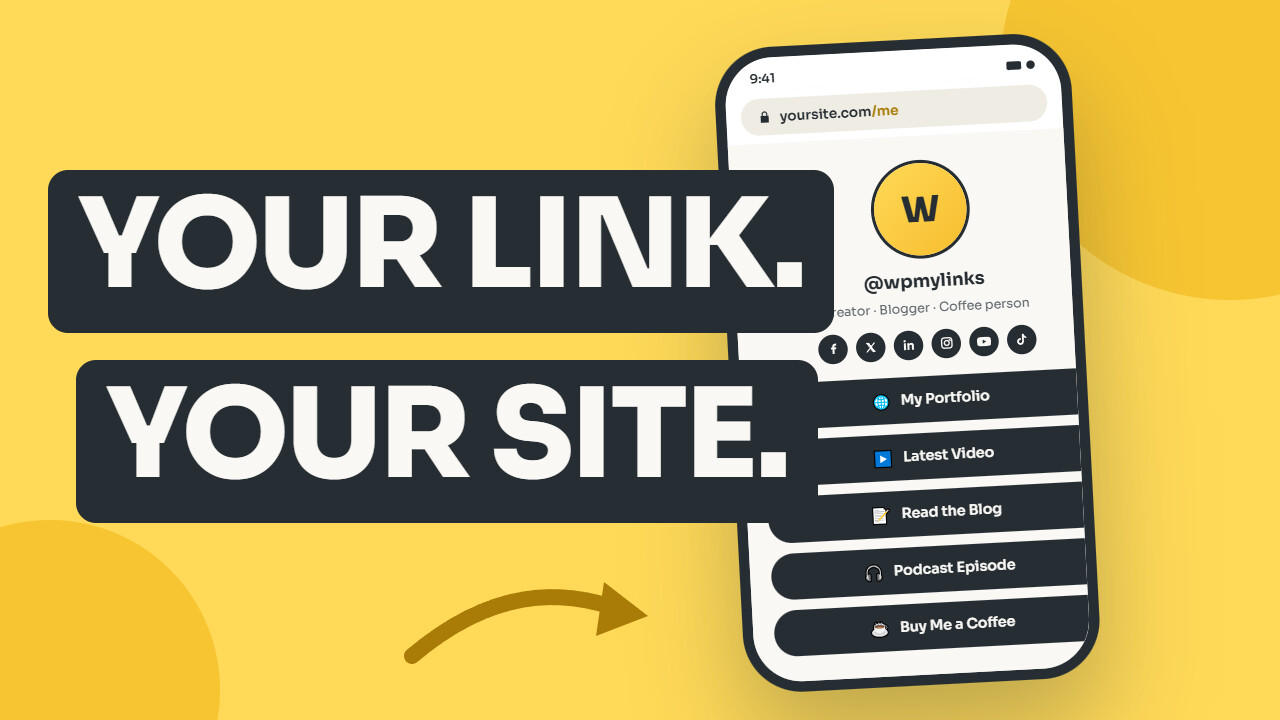
Start with one of the 16 built-in themes, then layer your own colors and font on top of it.
The themes cover light, dark, pastel, and gradient looks, set per page or globally.
Four accent color controls, for page background, button background, button text, and text color, apply your palette over any theme, per page or site-wide.
A font-family setting uses any font your site already loads, so the page reads in your typeface without WP MyLinks fetching a web font from a third party.
For anything the controls do not reach, a per-page custom CSS field and a custom favicon finish the look.
The appearance guide has the full set.
Does WP MyLinks help your SEO?
Yes.
Each MyLink page can output Schema.org JSON-LD, Open Graph and Twitter Card tags, and its own meta title, description, and robots settings, so search engines and social platforms read the page correctly.
The JSON-LD marks the page as a Person or Organization, with an optional ProfilePage wrapper that identifies the URL as a canonical profile, the pattern X, GitHub, and LinkedIn profiles use.
When Yoast SEO is active and already handling schema or Open Graph, WP MyLinks steps aside so you never get duplicate tags.
Because a MyLink page is a normal WordPress post type, it also works with caching, translation, and sitemap plugins the same way the rest of your site does.
How does WP MyLinks track clicks without a third party?
WP MyLinks counts link clicks and page visits in your own WordPress database, with no cookies, no IP logging, and no external analytics account.
Bots and crawlers are filtered out, and the totals appear in a Views column and a Clicks column on the MyLinks admin list.
Click counts are kept per link, keyed by the destination URL, so they survive reordering.
When Google Tag Manager is present, every click also pushes a wp_mylinks_click event, carrying the link URL, title, and page ID, to window.dataLayer, so you can forward clicks to GA4 or any other tag through a GTM trigger.
Full detail is in click and visit tracking.
Who is WP MyLinks for, and who is it not for?
WP MyLinks is for creators, small businesses, publishers, and agencies who already run WordPress and want the bio link on their own domain instead of a platform’s.
If that describes you, adding a free plugin beats another monthly subscription.
- Creators and influencers who want their most-clicked URL to feed their own audience data and search presence.
- Small businesses such as restaurants, gyms, salons, and coffee shops that need one tidy URL for menus, booking, reviews, and socials, reachable from a printed QR code.
- Publishers and podcasters routing listeners to episodes, newsletters, and sponsors.
- Agencies and freelancers who manage WordPress sites for clients and would rather add a free plugin than another SaaS invoice.
It is not the right fit if you do not run a WordPress site, or if you want a hosted no-code tool or a checkout built into the bio page itself.
WP MyLinks meets WCAG 2.2 accessibility guidelines, ships translation-ready strings, and works on WordPress multisite, so a team can standardize on it across many sites.
Is WP MyLinks really free?
Yes.
Every feature described here is free under the GPL, with no locked tier and no account to create.
Unlimited pages, all 16 themes, click tracking, QR codes, and the SEO output are all in the WordPress.org download.
There is no paid edition today.
If one ships later, it will add to the free plugin rather than take from it, and the free features stay free.
Any price, when there is something to price, will come from the store listing, not from a paywall placed around today’s tools.
What is new in WP MyLinks 1.1.0?
Version 1.1.0 adds section headings, a search bar, and HTML blocks for richer pages, a per-link click counter, one-click QR codes, accent colors and custom fonts, import and export, and a lighter core.
The bundled CMB2 framework was replaced by the plugin’s own fields system, so the download dropped from 4.3 MB to under 1 MB, and existing pages open and render exactly as before.
Other additions include a wp_mylinks_click dataLayer event for Google Tag Manager, icon-font classes for social platforms, and a Link URL setting that chooses which post types the picker searches.
The full history, with real dates, lives on the changelog.
Get started with WP MyLinks
Download WP MyLinks free from WordPress.org and publish your first page today, or read the documentation to see each feature first.
Already run WordPress?
The bio link you share a hundred times a week can live on your own domain by this afternoon.
Questions, answered
What people ask before installing WP MyLinks.
Yes. WP MyLinks is free on WordPress.org under the GPL, with a single edition and no locked tier. Unlimited pages, all 16 themes and every feature described here are included, and there is no account to create.
No. WP MyLinks builds and hosts the page inside your own WordPress site, so visitors never leave your domain and there is no third-party account involved. It is a self-hosted alternative to hosted link-in-bio services.
Yes. Any MyLink page can be set as the static front page under Settings then Reading, which turns your whole domain into the bio link. It can also live on a short slug such as yoursite.com/me.
Yes, with any theme. A MyLink page renders as its own standalone document and bypasses the active theme, so the page looks the same no matter which theme the rest of the site runs.
No. Each MyLink page loads only the plugin's own small CSS and JavaScript, independent of your theme, and YouTube embeds load on click rather than on page load. An optional setting can also strip other plugins' assets from MyLink pages.
Yes. YouTube embeds load on click to keep the page fast, and anything WordPress oEmbed supports, including TikTok, Spotify and X posts, can be added as a link row.
Yes. Each page can output Schema.org JSON-LD, Open Graph and Twitter Card tags, and its own meta title, description and robots settings. When Yoast SEO is active and handling schema or Open Graph, WP MyLinks defers to it automatically.
Yes. Each link click is counted by a request to your own site, with no cookies, no IP logging and no external analytics service, and bots are filtered out. Per-page click totals appear in a Clicks column on the MyLinks admin list.
Eight platforms ship with built-in icons: Facebook, X, LinkedIn, Instagram, YouTube, Pinterest, TikTok and Discord. You can add unlimited custom platforms, such as Threads, Bluesky, GitHub, Mastodon, WhatsApp or Telegram, each with its own name, URL and optional icon.
Yes. The Tools tab exports your settings, all pages or a single page as JSON, and imports them on any site running WP MyLinks. Page imports always create new pages, so an import never overwrites existing content.
Something else on your mind? Open a support request