
Import & Export
Navigate to EM Buttons → Import/Export to backup or restore settings.
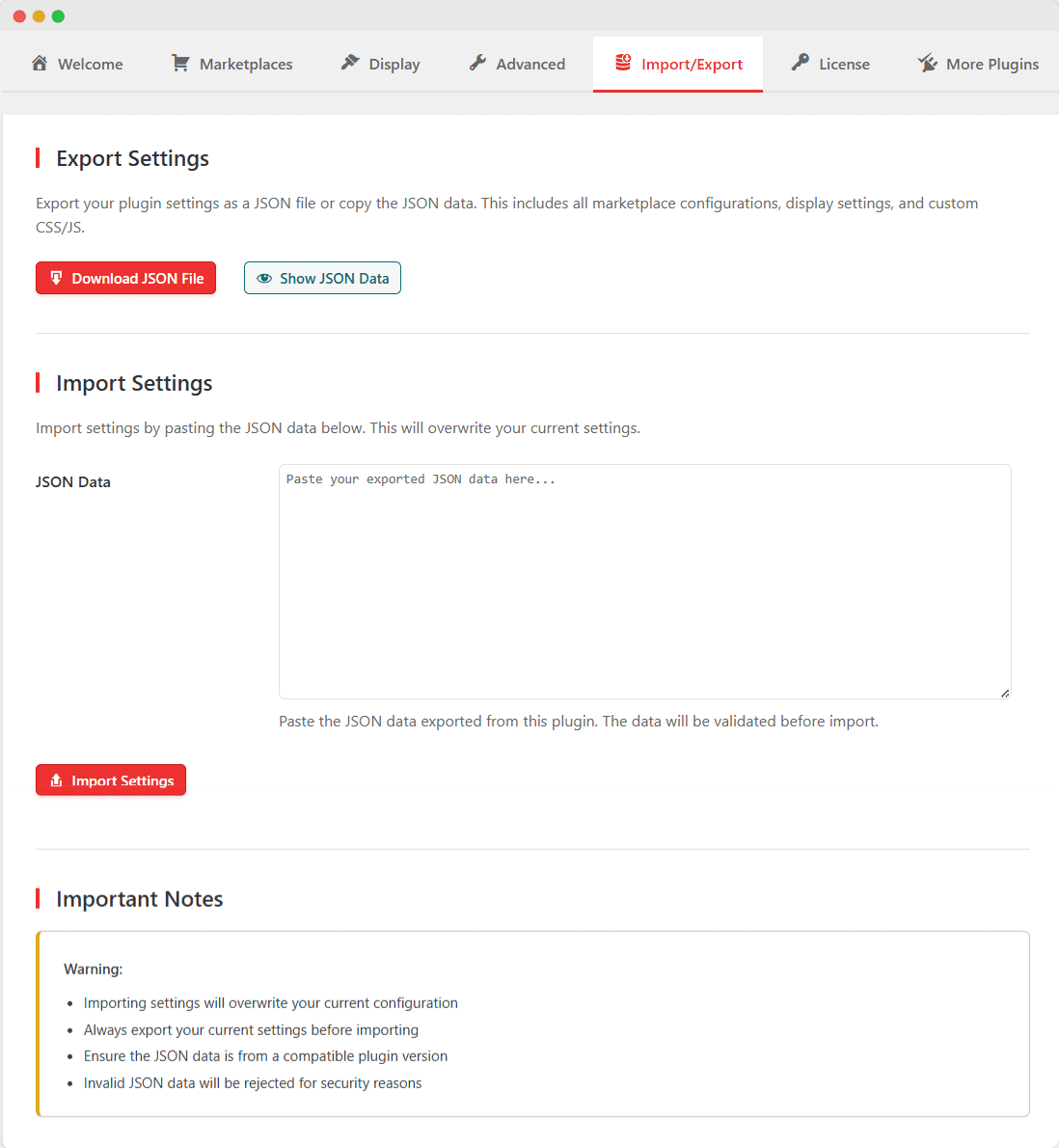
Exporting Settings
Method 1: Download JSON File
- Click Download JSON File
- File downloads automatically
- Save the file in a secure location
Method 2: Copy JSON Data
- Click Show JSON Data
- JSON appears in a text area
- Click Copy to Clipboard
- Paste into a text file or send to another site admin
Importing Settings
- Paste your JSON data into the text area
- Click Import Settings
- Confirm the import warning
- Settings are applied immediately
What’s Included in Export:
- Plugin version
- Export timestamp
- All display settings
- All marketplace configurations
- Custom CSS and JavaScript
- Tracking settings
Tip: Always export your current settings before importing new ones.