Introducing PixMapr: Turn Any Image Into a Clickable, Shoppable Experience on WordPress
On this page16
PixMapr Is Here: Interactive Image Hotspots for WordPress and WooCommerce – PixMapr is a WordPress plugin that turns any static image into an interactive one: you draw polygon, circle, or rectangle hotspots directly on the picture, attach a title, rich text, an image, a link, or a WooCommerce product to each one, and embed the result anywhere with a block or shortcode.
It ships in two editions.
PixMapr Lite is free on WordPress.org with unlimited images and unlimited hotspots, and PixMapr Pro adds six layouts, numbered markers, pan and zoom, Scenes, engagement counts, and the ability to sell products straight from the image.
We built PixMapr for the stores we run here at Online Store Kit, and today it is available to everyone.
Key Takeaways
Hide- PixMapr turns any WordPress image into clickable hotspots that open info panels, tooltips, links, or products.
- Hotspots are drawn directly on the picture in the editor: polygon, circle, or rectangle, with no coordinates to type and no external service involved.
- PixMapr Lite is completely free with no caps: unlimited images, unlimited hotspots, two layouts, five themes, and a theme builder.
- PixMapr Pro adds six layouts, numbered markers with a legend, pan, zoom, fullscreen, Scenes, engagement counts, export and import, and Elementor plus Beaver Builder integrations.
- Pro's WooCommerce hotspots let visitors add a product to the cart from the image itself, without a page reload.
- Both editions are keyboard accessible, screen reader friendly, and replace hard-to-tap shapes with a tappable list on phones.
- Lite and Pro share the same data, so upgrading is install and activate: nothing to migrate, nothing to redraw.
What Is an Image Hotspot, and Why Should a Store Care?
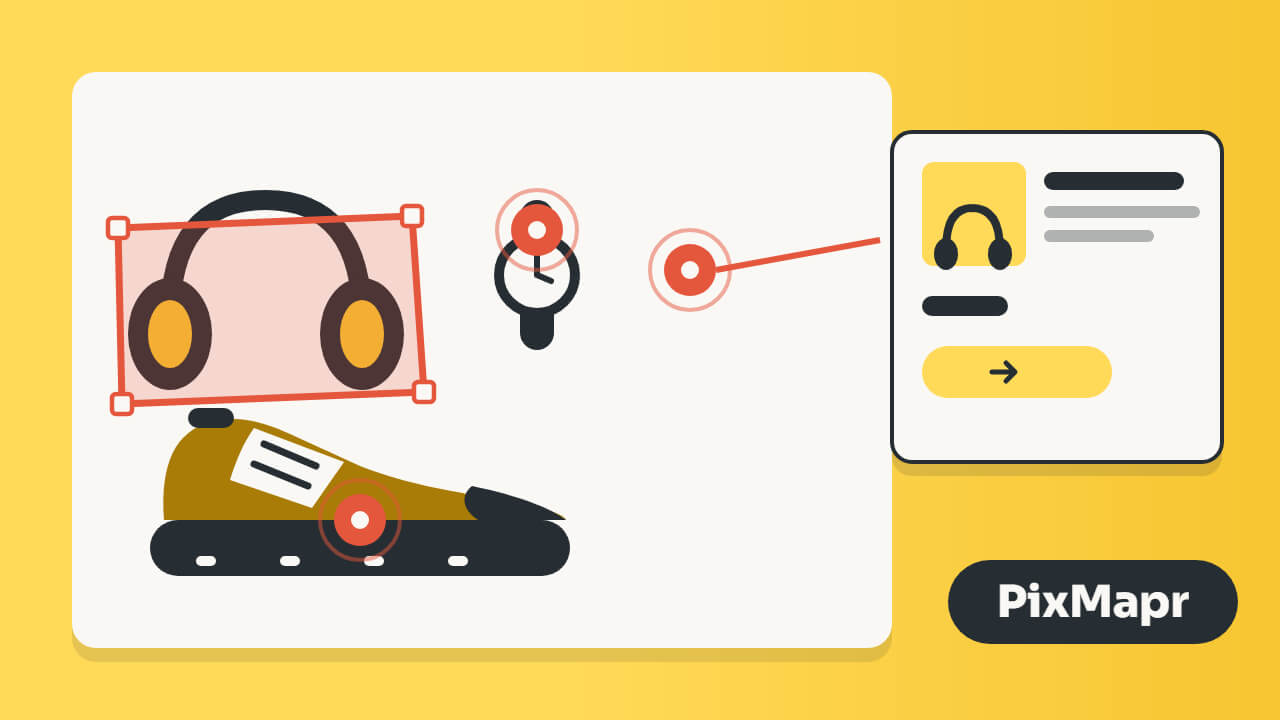
An image hotspot is a clickable region on a picture that reveals content or triggers an action.
For a store, that means a lifestyle photo where every product in the frame is tappable, a floor plan where every room opens its details, or a machine diagram where every part links to its spare.
Visitors explore the image instead of scrolling past it, and every hotspot is a doorway to a product page or a cart.
The old way to do this was the HTML image map: hand-typed coordinates, no mobile support, no accessibility, and no styling.
PixMapr replaces that workflow entirely.
You upload a picture, trace shapes on it with your mouse, fill in the content, and publish.
PixMapr Lite: Free, and Enough for Real Work
Most free hotspot plugins cap you at a handful of images or lock the useful shapes behind a paywall.
PixMapr Lite does not.
The free edition on WordPress.org includes:
- Unlimited interactive images with no counter and no cap.
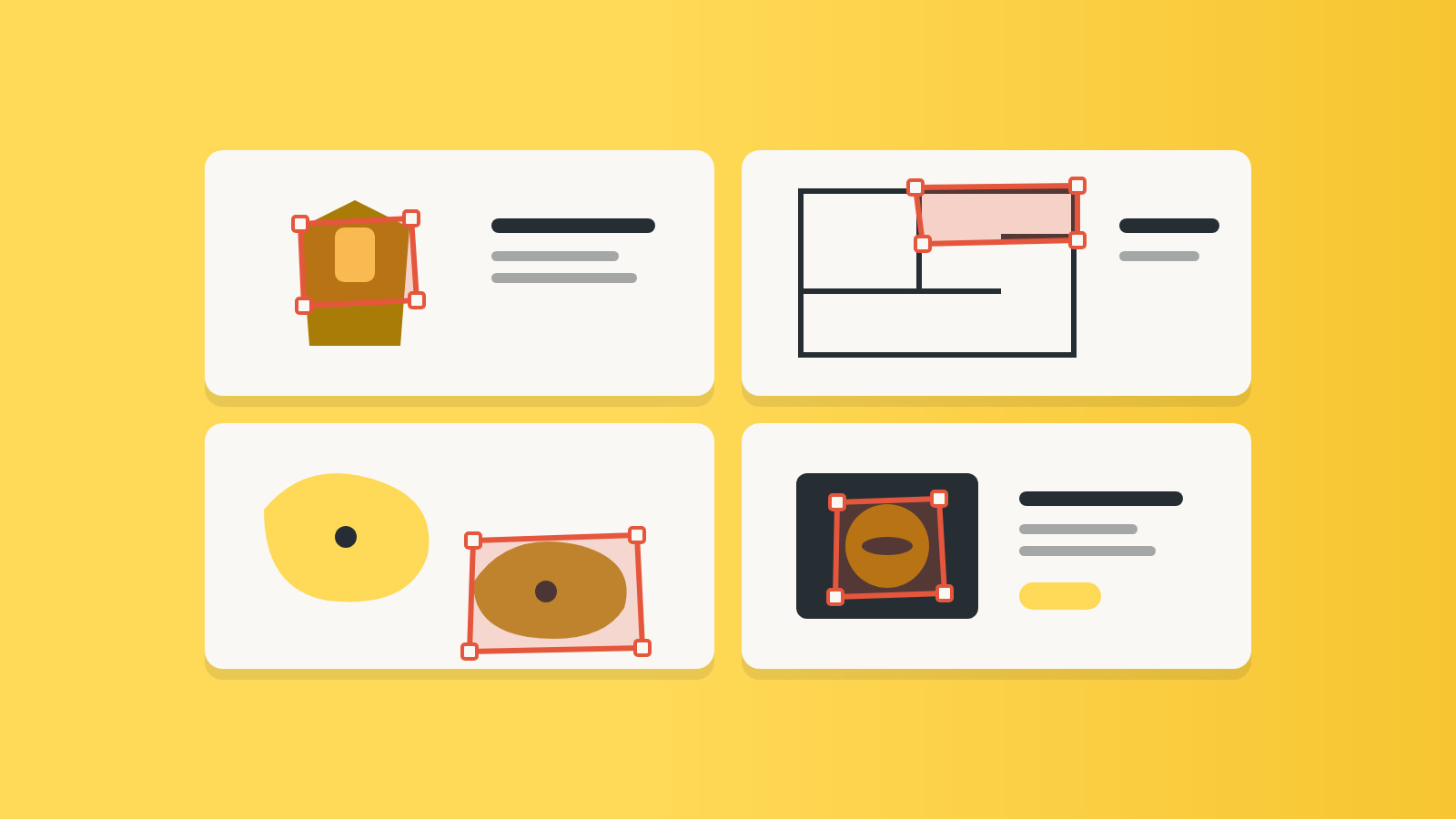
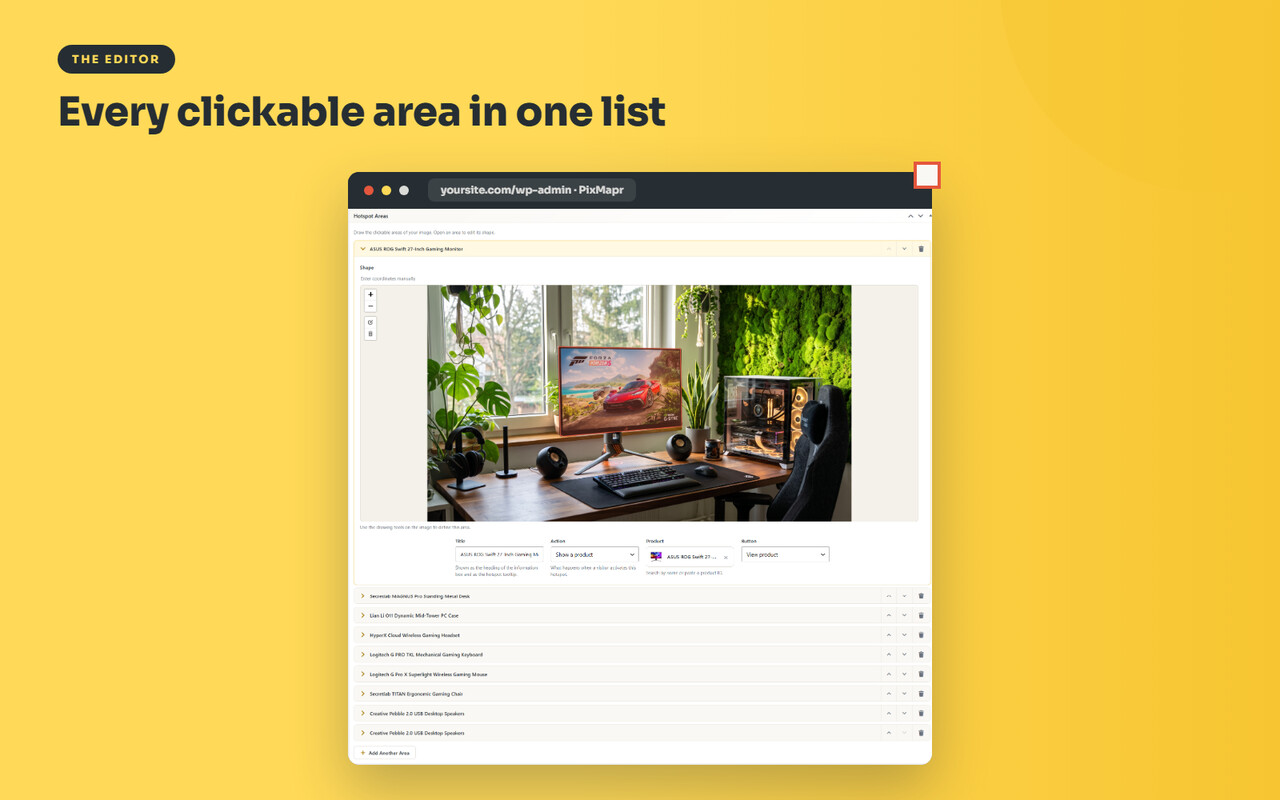
- Unlimited hotspots per image: polygon, circle, and rectangle, traced on the image itself.
- Two layouts: an info panel beside the image, or a tooltip that follows the hotspot.
- Click or hover to open a hotspot.
- Rich content per hotspot: a title, formatted text, an image, or a link to any URL.
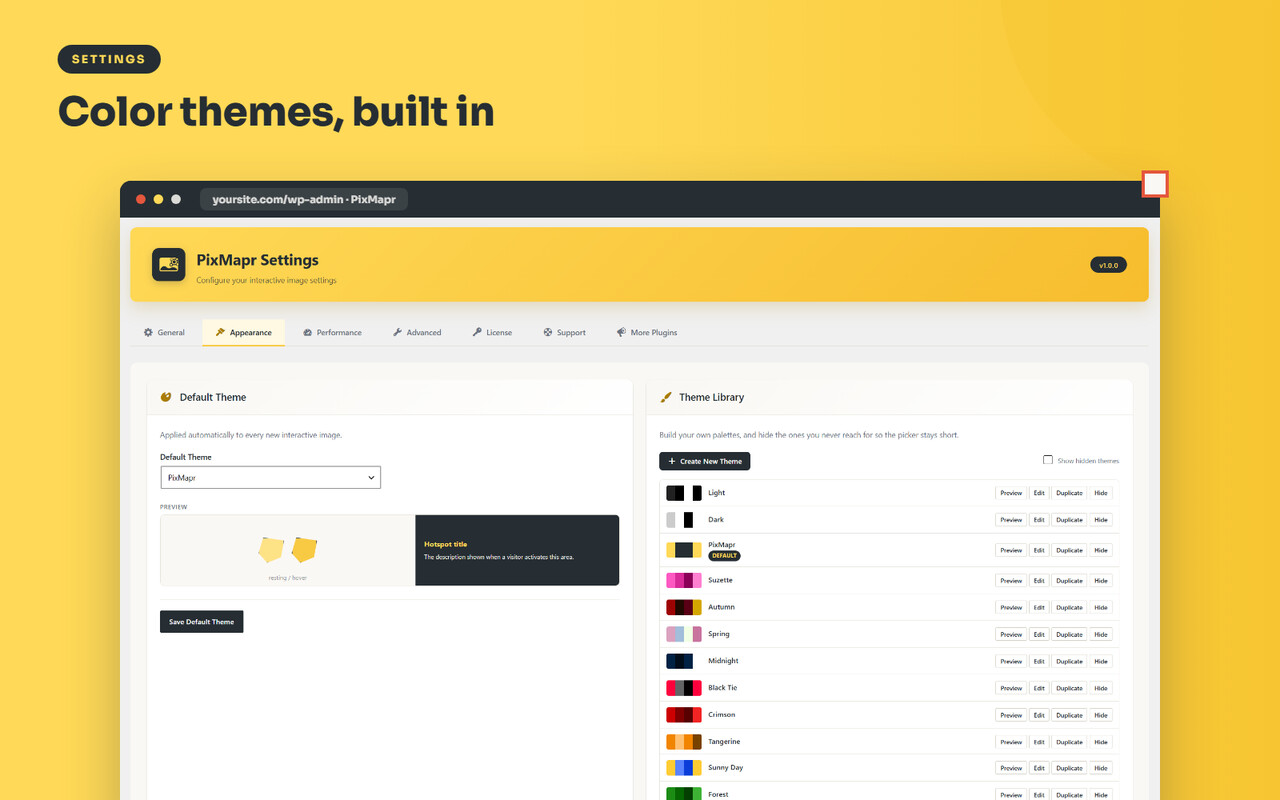
- Five color themes (Light, Dark, PixMapr, Suzette, Autumn), a theme builder for your own palettes, and alternate highlight styles per image.
- A phone-friendly fallback: on small screens, a tappable hotspot list replaces shapes that fingers cannot hit reliably.
- Accessibility out of the box: keyboard navigation, ARIA labels, and screen reader announcements.
- Block and shortcode embedding that works in the block editor, the Classic Editor, Divi, and any builder that renders shortcodes.
- Performance controls: serve a smaller image size than the original and lazy-load images near the viewport.
- Translation-ready and RTL-ready.
Lite requires WordPress 6.0 or newer and PHP 8.1 or newer.
PixMapr Pro: Built for Selling
PixMapr Pro is the full plugin, the one running on the Online Store Kit stores.
Everything in Lite is included, and on top of it:
WooCommerce Hotspots
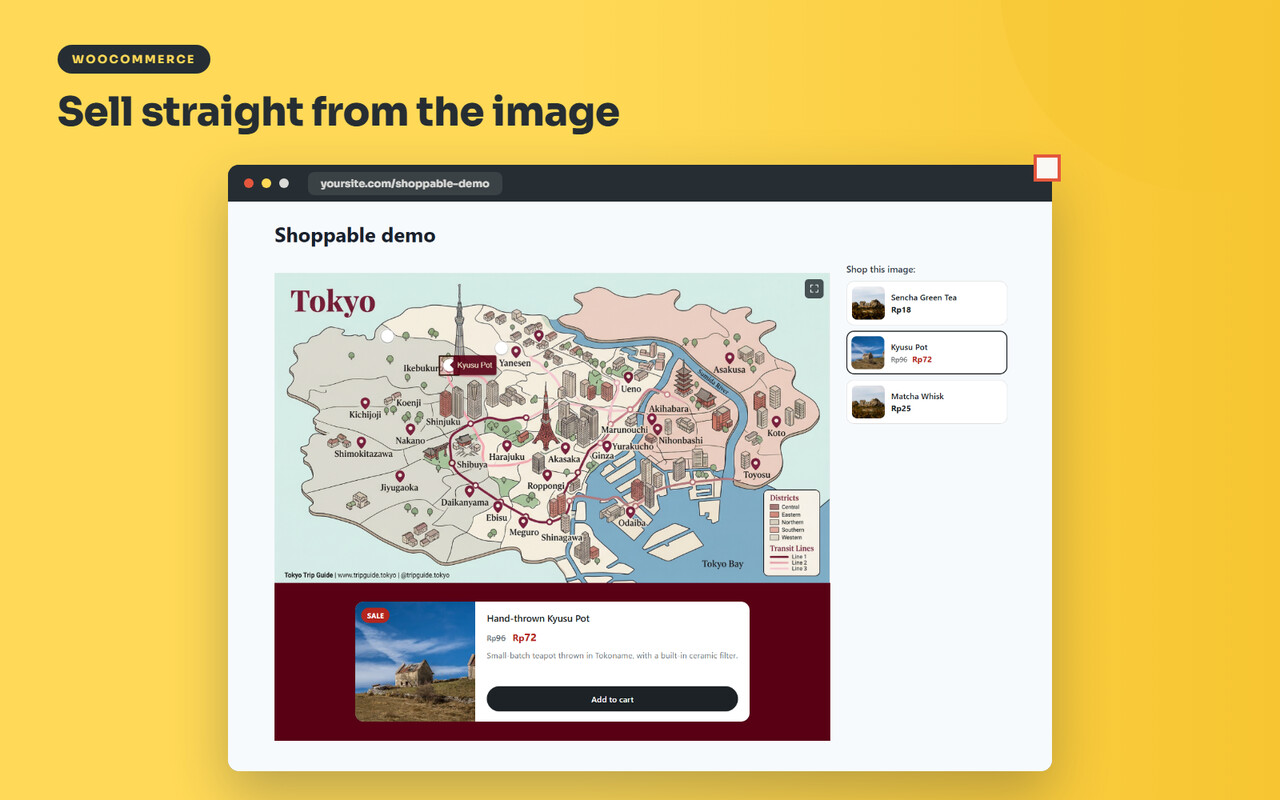
Tag any product on any photo.
The hotspot pulls the product’s name, image, price, and stock status, and the visitor can add it to the cart from the picture without a page reload.
One lifestyle photo becomes a small storefront.
Six Layouts Instead of Two
Place the info panel left, right, above, or below the image, open content in a lightbox, or keep the tooltip.
Large floor plans read better with a side panel; product close-ups often work best in a lightbox.
Numbered Markers with a Legend
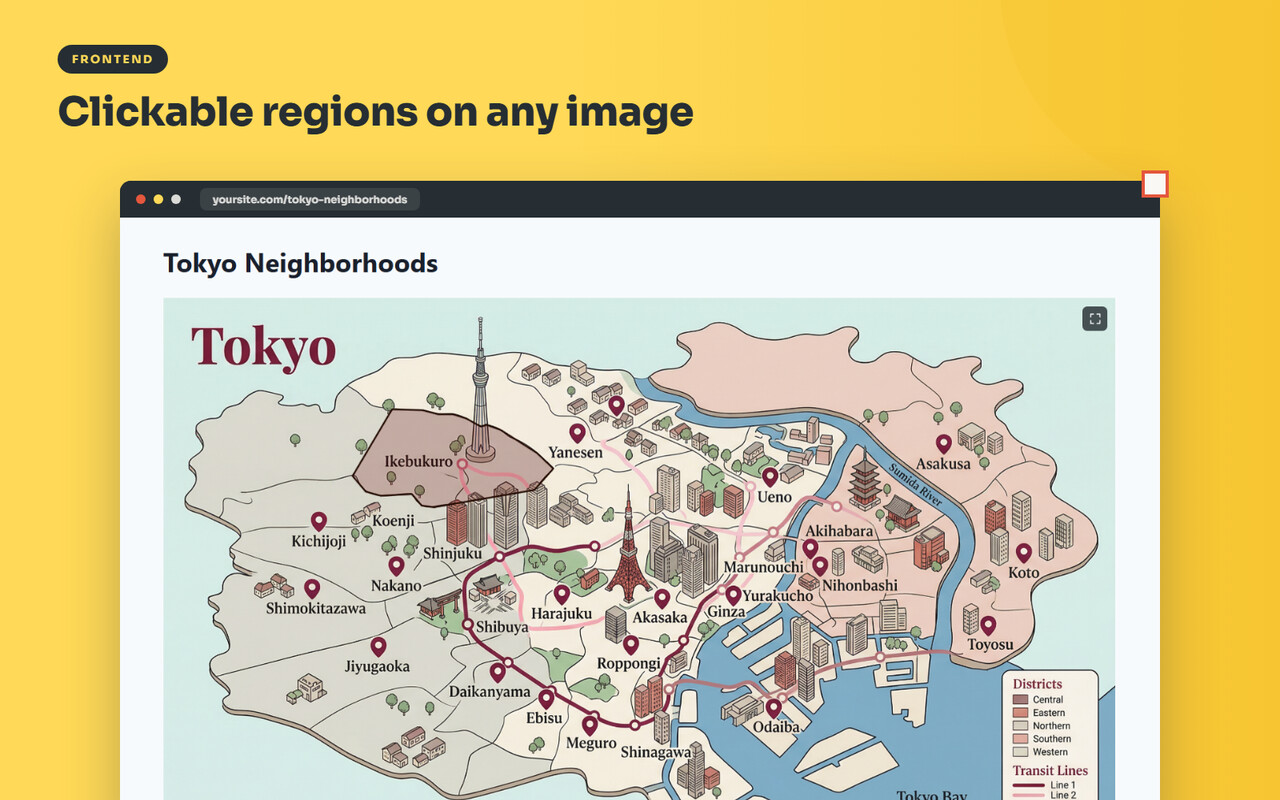
Switch any image from shapes to numbered markers and PixMapr renders a matching legend below it.
Ideal for diagrams, catalogs, and instruction-style images.
Pan, Zoom, and Fullscreen
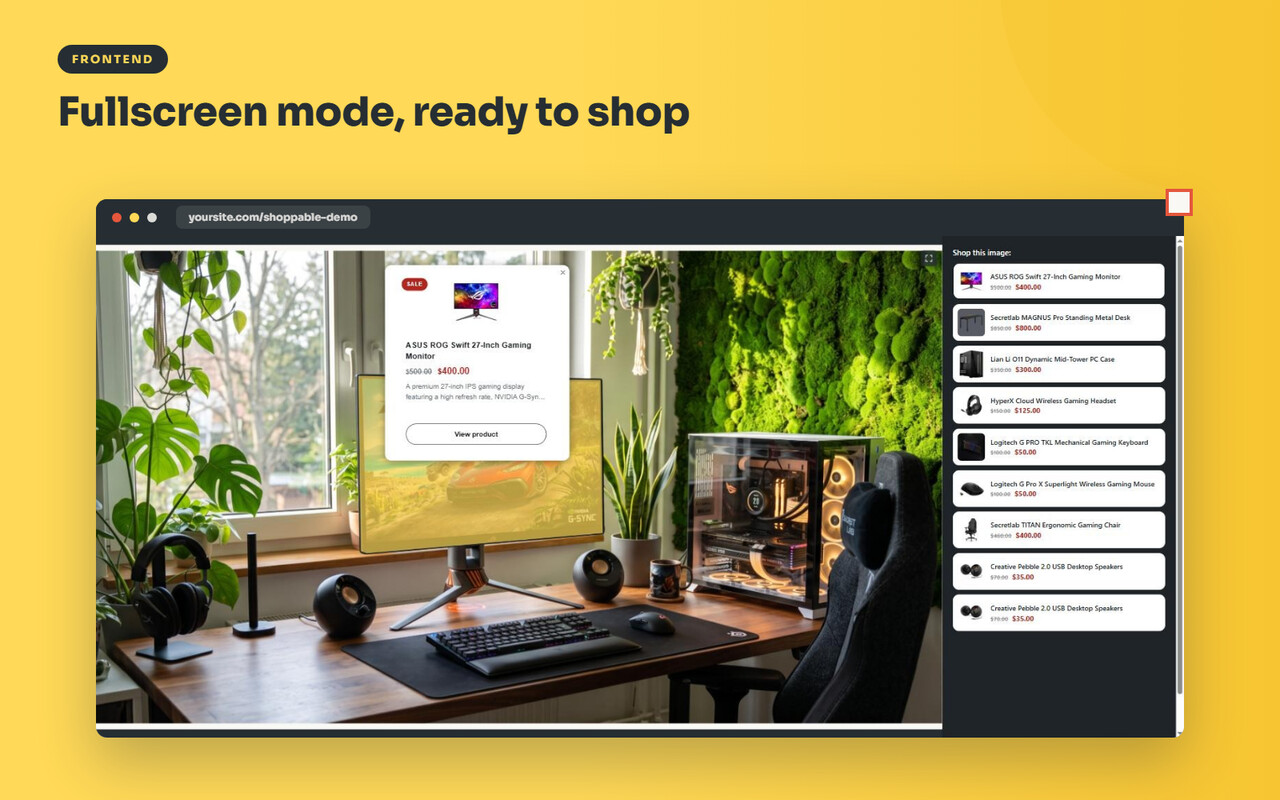
Large maps and detailed floor plans get pan and zoom controls plus a fullscreen mode, with a separate layout tuned for phones.
Scenes
Group several related images into one embed and let visitors switch between them: the floors of a building, the angles of a product, the stages of a process.
Settings carry across the set, and the switcher survives fullscreen.
Insight Without Surveillance
Pro counts image views and hotspot opens.
Counts only, no personal data, so you learn which hotspots earn attention without adding a tracking burden.
Workflow and Page Builders Support
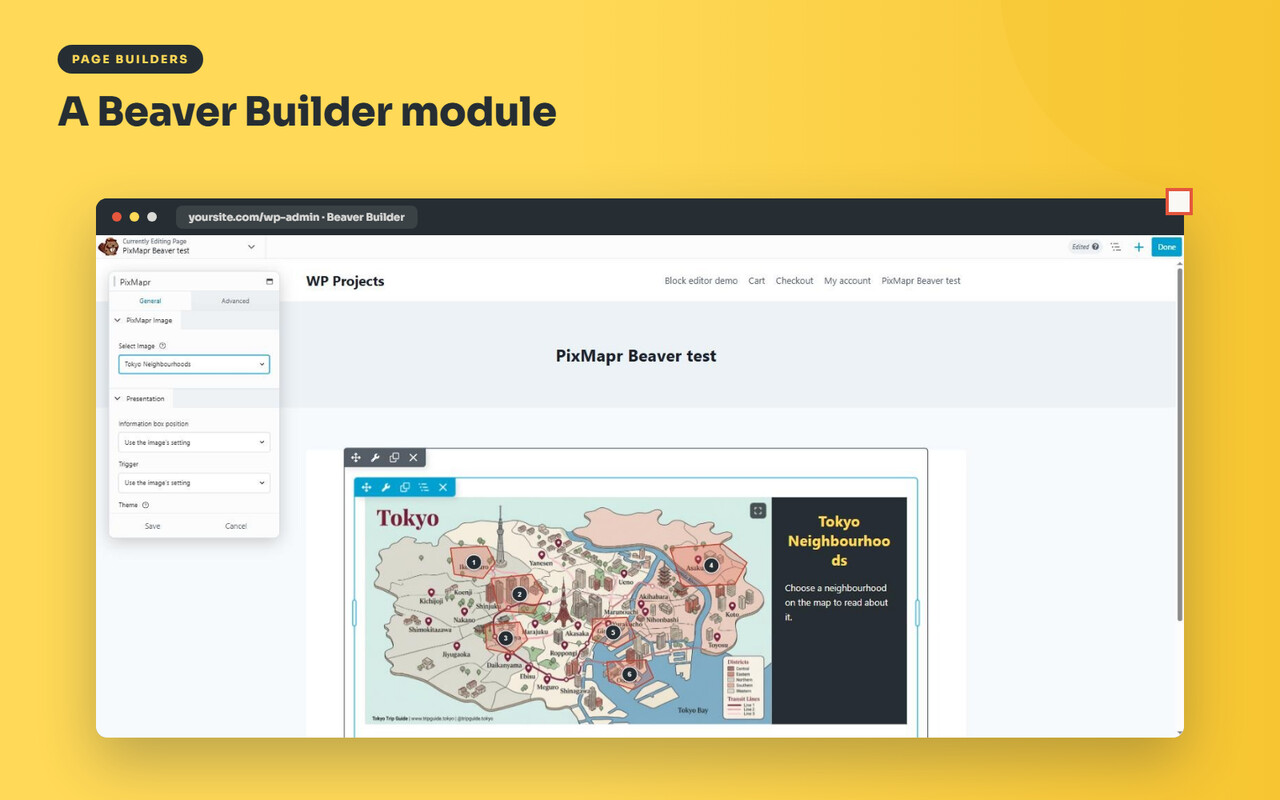
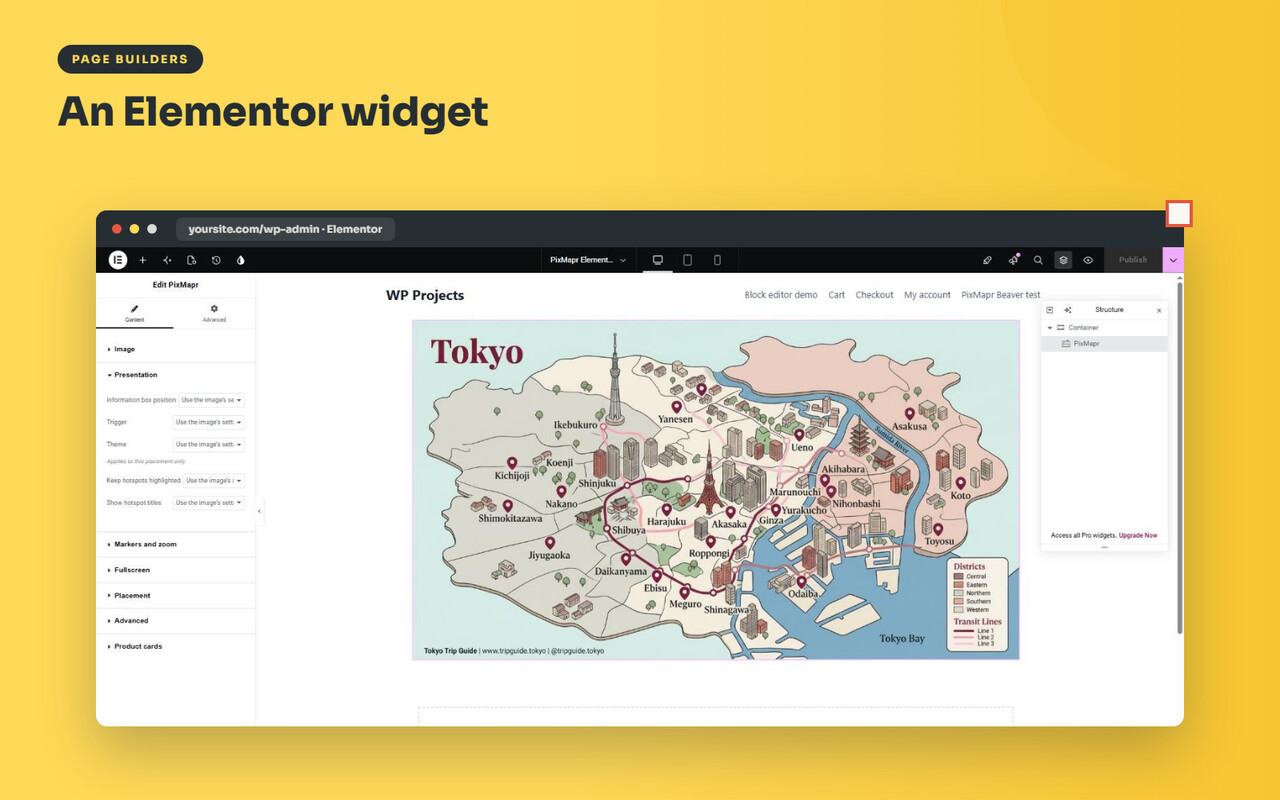
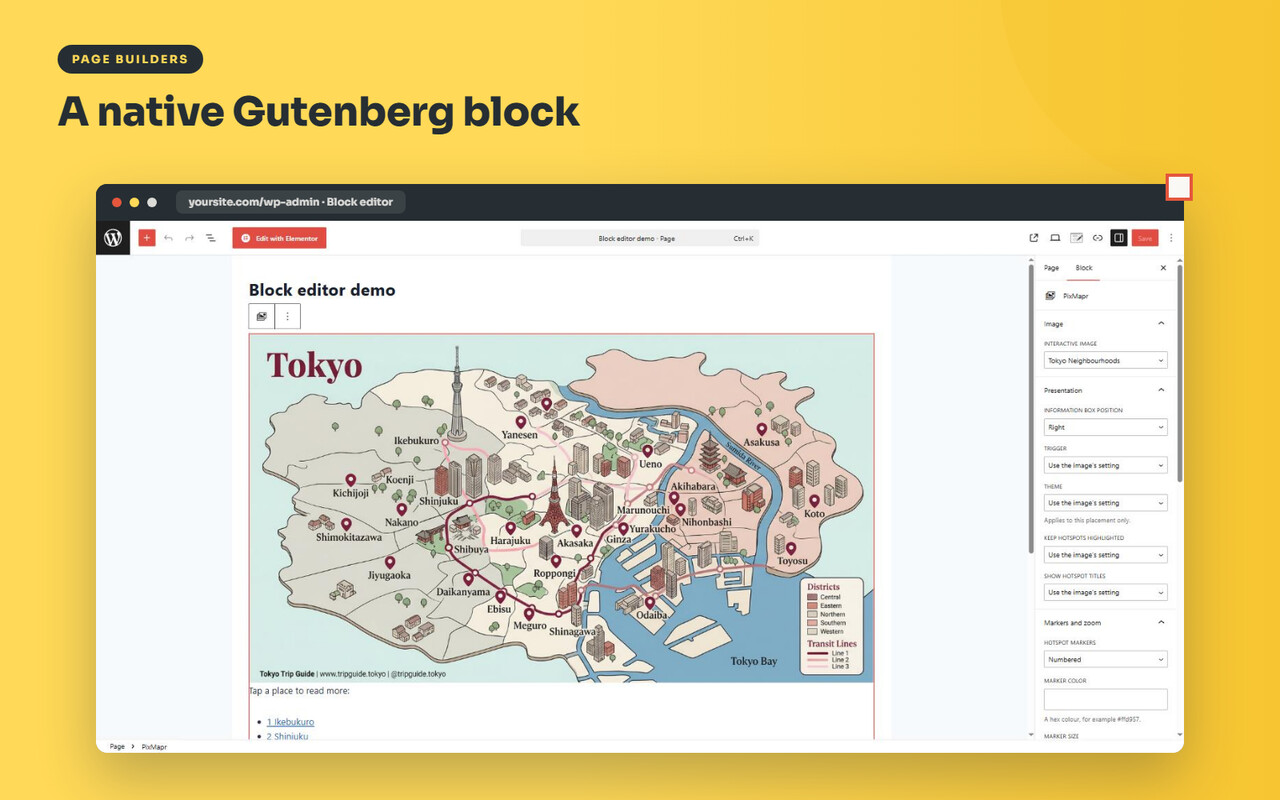
- Export and import images, themes, and settings as one file, useful for staging and client work.
- Ten automatic snapshots of every image plus one-click duplicate, so experiments are reversible.
- More than 20 ready-made themes.
- A native Elementor widget and a Beaver Builder module, alongside the block and shortcode.
Every Pro license includes a year of signed automatic updates and email support.
Lite vs Pro at a Glance
| Capability | Lite (free) | Pro |
|---|---|---|
| Interactive images | Unlimited | Unlimited |
| Hotspots per image | Unlimited | Unlimited |
| Hotspot shapes | Polygon, circle, rectangle | Polygon, circle, rectangle |
| Layouts | 2 (side panel, tooltip) | 6 (left, right, top, bottom, lightbox, tooltip) |
| Numbered markers with legend | No | Yes |
| Pan, zoom, fullscreen | No | Yes |
| Scenes (multi-image sets) | No | Yes |
| WooCommerce product hotspots | No | Yes, with reload-free add to cart |
| Themes | 5 + theme builder | 20+ and theme builder |
| Engagement counts | No | Views and hotspot opens, counts only |
| Export and import | No | One-file export of images, themes, settings |
| Automatic snapshots | No | 10 per image, plus duplicate |
| Elementor and Beaver Builder | Shortcode works | Native widget and module |
| Accessibility and mobile list | Yes | Yes |
| Updates and support | WordPress.org | A year of signed updates and email support |
Pricing
PixMapr Pro is licensed per year, with every feature in every tier:
- Personal: 1 site, $69 per year.
- Business: 5 sites, $129 per year.
- Agency: 25 sites, $249 per year.
All plans are available on the PixMapr product page, and PixMapr is part of the wider Online Store Kit lineup.
Frequently Asked Questions (FAQs)
Do Lite and Pro work together, and is upgrading painful?
They share the same images and settings, so upgrading is install and activate: nothing to migrate, nothing to redraw. Lite can even stay active alongside Pro.
Does PixMapr work with my page builder?
The shortcode renders anywhere shortcodes work, including Divi and the Classic Editor, and the block works in the block editor. Pro adds a native Elementor widget and a Beaver Builder module.
Are the hotspots accessible and mobile-friendly?
Yes. Both editions ship keyboard navigation, ARIA labels, and screen reader announcements, and on phones a tappable hotspot list replaces small shapes so nobody is left tapping at pixels.